85
Basic Camera Setup: The Setup Menu
Shooting, Playback and Setup Menus
l
Format Memory/
m
Format Card
Use this option to format the internal memory or a memory card.
Formatting the Internal Memory
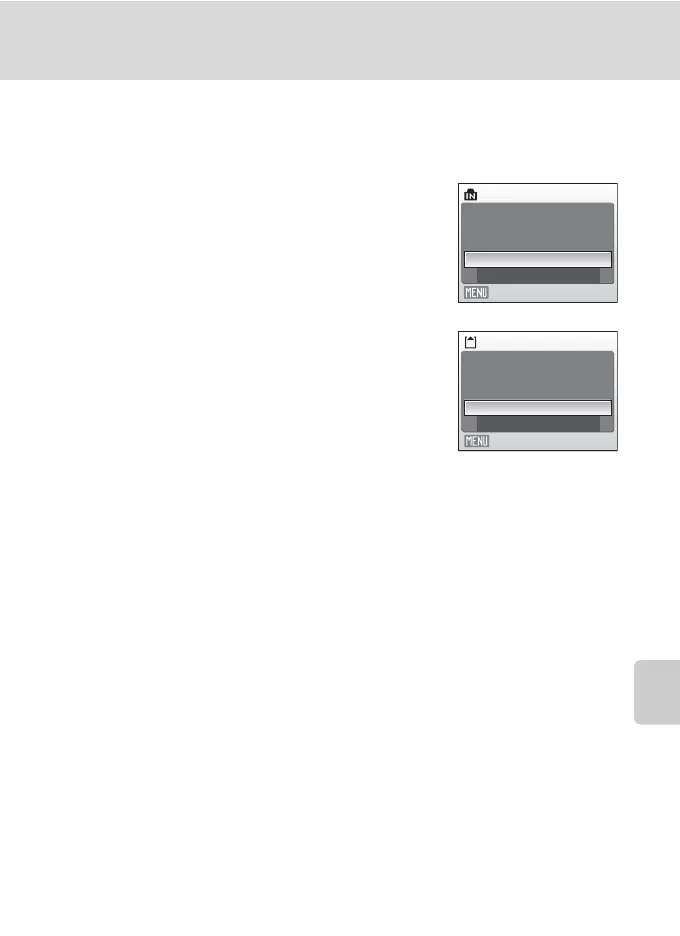
To format the internal memory, remove the memory
card from the camera.
The Format memory option appears in the setup
menu.
Formatting a Memory Card
When the memory card is inserted in the camera, the
Format card option appears in the setup menu.
B Formatting Internal Memory and Memory Cards
• Formatting the internal memory or memory cards permanently deletes all data. Be sure to transfer
important pictures to a computer before formatting.
• Do not turn the camera off, open the battery-chamber/memory card slot cover during formatting.
• The first time you insert the memory cards used in other devices into the COOLPIX L18/COOLPIX
L16, format them.
Format memory
All images will
be deleted! OK?
Format
No
Exit
All images will
be deleted! OK?
Format
No
Format card
Exit



 To Next Page