17
Tutorial—Taking Pictures
1
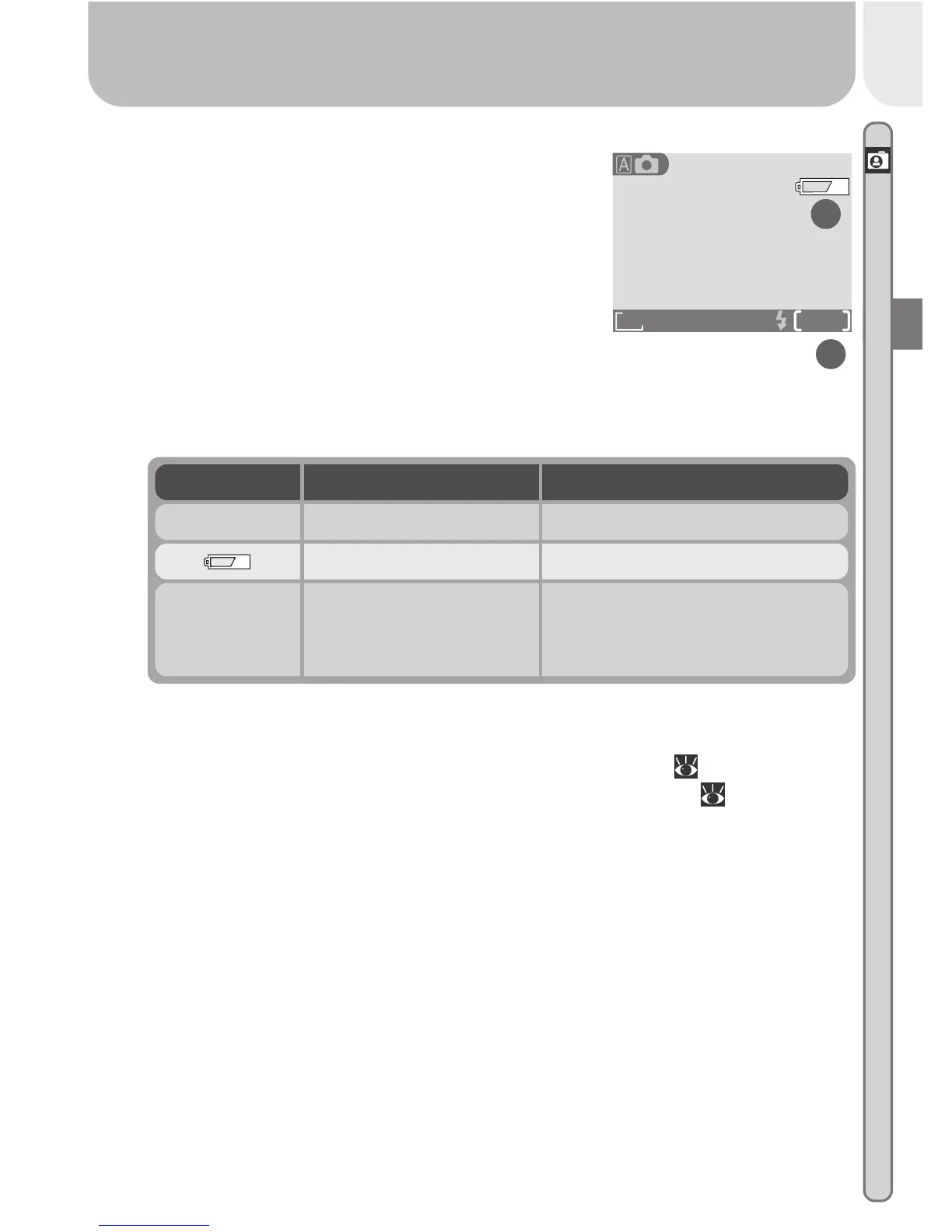
.3 Check indicators in the monitor
Before shooting, check the battery level (A)
and number of exposures remaining (B).
Battery Level (A)
The battery level is displayed as follows:
Number of Exposures Remaining (B)
If the number of exposures remaining is zero, a message will be dis-
played in the monitor. In this case, delete pictures (
66), use a new
memory card, or choose a lower quality or image size ( 56).
FINE
AUTO
8
1632
A
B
— Batteries fully charged Camera functions normally.
Display Meaning Camera status
Low battery Ready a set of new batteries.
Warning ! !
Battery
exhausted
Batteries exhausted
No pictures can be taken until
batteries have been replaced.














 To Next Page