71
Menu Guide—The Playback Menu
Ordering Prints: Print Set
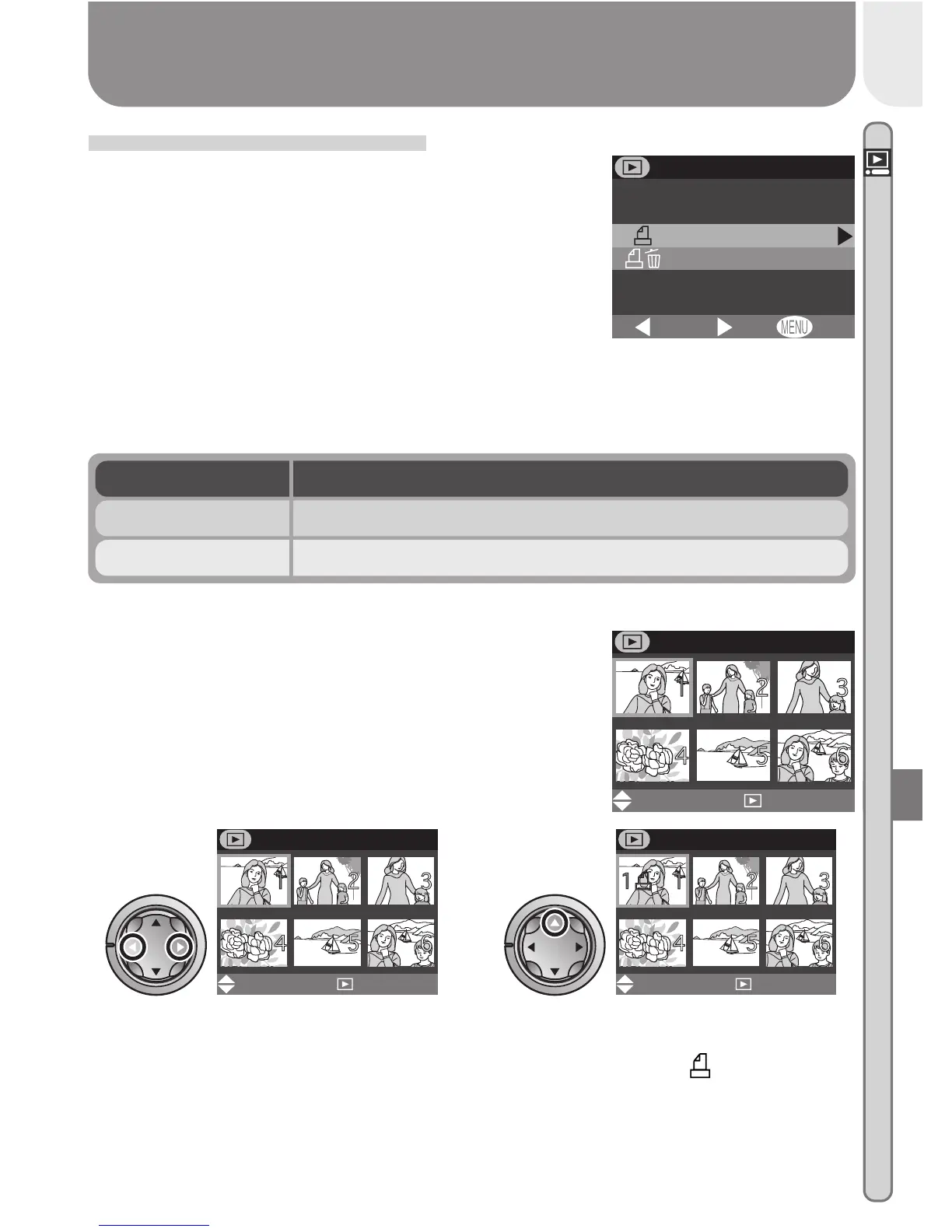
Selecting Print set from the playback menu dis-
plays the menu shown at right. Using the Print
option, you can specify the pictures to be printed,
the number of prints, and the information to be
included on each print. This information is stored
on the memory card in Digital Print Order Format
(DPOF). Once a print order has been created, the
memory card can be removed from the camera
and inserted in any DPOF-compatible device—be it your personal photo printer
or a photofinisher’s print system—and pictures printed directly from the card.
OFFSet
BK
PRINT SET
Print
Delete print set
PRINT
Set
Done
QUICK
DescriptionOption
Create or modify print order.Print
Cancel the current print order.Delete print set
Selecting Pictures for Printing
To create a print order, or to modify the existing
print order, highlight Print in the print set menu
and press the multi selector to the right. The menu
shown at right will be displayed. To select pic-
tures for printing:
Highlight pictures
1
PRINT
Set
Done
QUICK
Press multi selector up to select
picture. Selected pictures are
marked by icon.
2
PRINT
Set
Done
QUICK














 To Next Page