40
Beyond Point-and-Shoot
Focus-Mode Selection
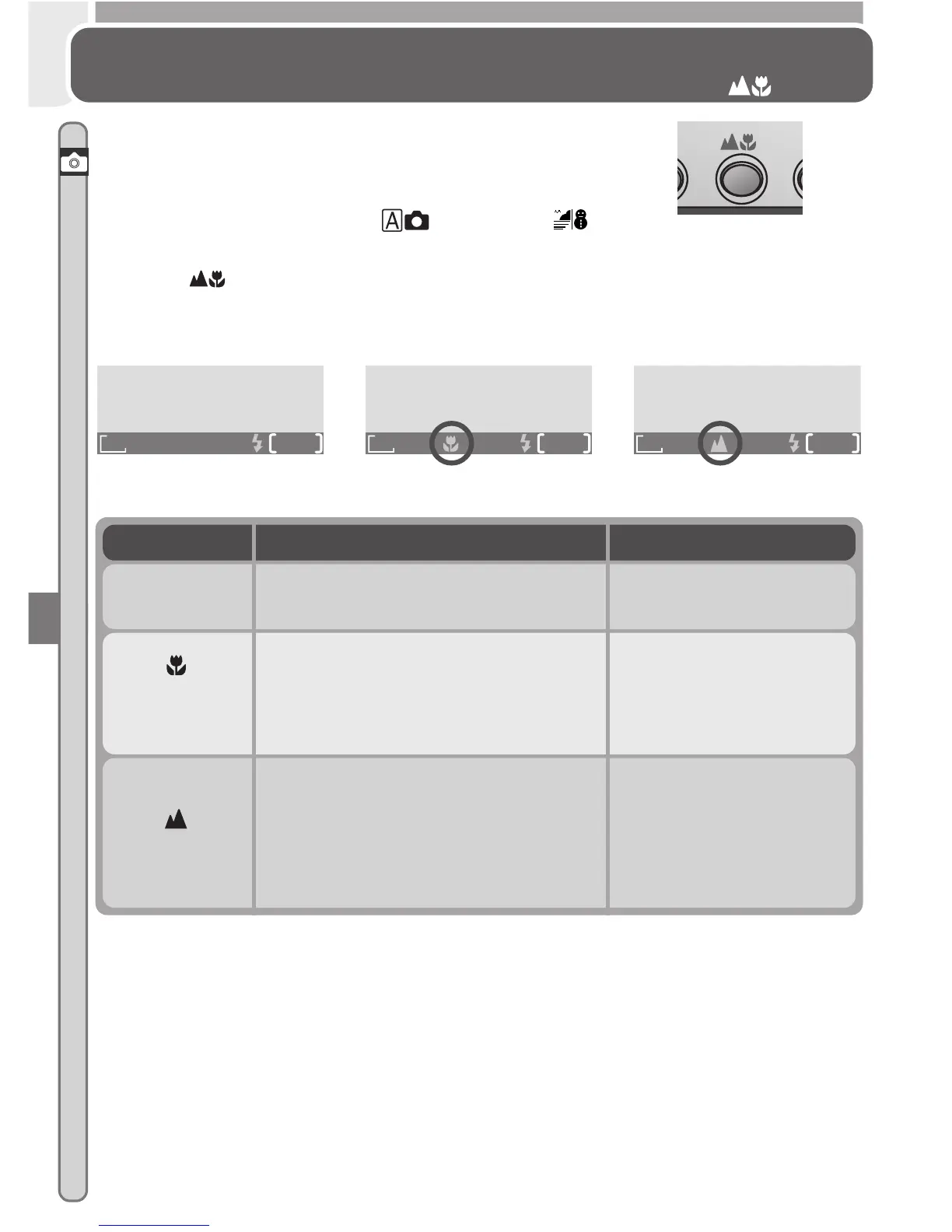
The Button
The camera automatically adjusts focus for objects
30 cm (1´) or more from the lens. Two other op-
tions for objects that are very close to or far from
the camera are available in (auto) and
(Beach/Snow) modes. To select the focus mode,
press the button until the desired mode is dis-
played in the status bar in the bottom of the moni-
tor.
Mode How it works When to use it
NO ICON
Autofocus
Camera automatically adjusts focus
according to distance to subject.
Use with subjects 30 cm
(1´) or more from lens.
Macro
close-up
Camera can focus on objects as
close as 4 cm/1.6˝ (measured from
lens). Camera adjusts focus con-
tinuously (continuous AF).
Use for close-ups.
Infinity
Focus is fixed at infinity. Flash is
disabled. No focus indicator ap-
pears in monitor when shutter-re-
lease button is pressed halfway.
Use when photograph-
ing distant scenes
through foreground ob-
jects such as a window
or a screen of branches.
FINE
AUTO
8
1632
FINE
AUTO
8
1632
FINE
AUTO
8
1632
Autofocus Macro close-up Infinity














 To Next Page