36
Connections—Connecting to a Computer
Reading Pictures from Memory Cards
If you have a CompactFlash
™
card reader or your computer is equipped with a
PC card slot, you can transfer pictures directly from the memory card. Before
inserting the memory card in a card reader or card slot, turn the camera off
and remove the card from the camera.
If you are using a PC card slot, insert the memory card into a PC card adapter
(see note below), and then insert the adapter into the PC card slot. If you are
using a card reader, insert the memory card directly into the card reader. If
installed, Nikon View 5 will detect cards from Nikon digital cameras and start
automatically. See the Nikon View 5 Reference Manual (on CD) for informa-
tion on transferring pictures to your computer.
CompactFlash
™
Card Readers
Before using a card reader, be sure to read all documentation provided by the
manufacturer.
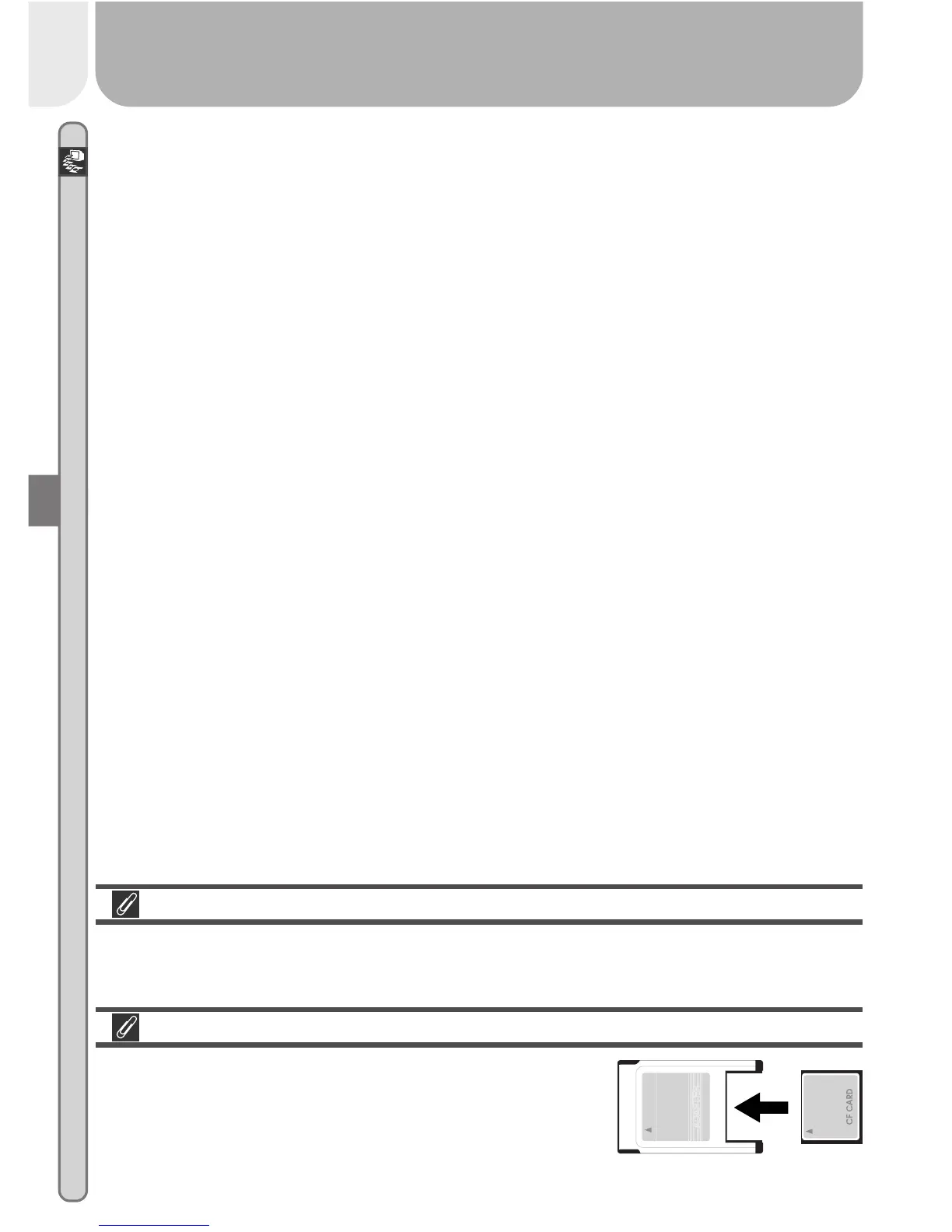
PC Card Adapter
To read CompactFlash
™
memory cards using a PC
card slot, you will require an EC-AD1 PC-card
adapter (shown at right), available separately from
Nikon.














 To Next Page