41
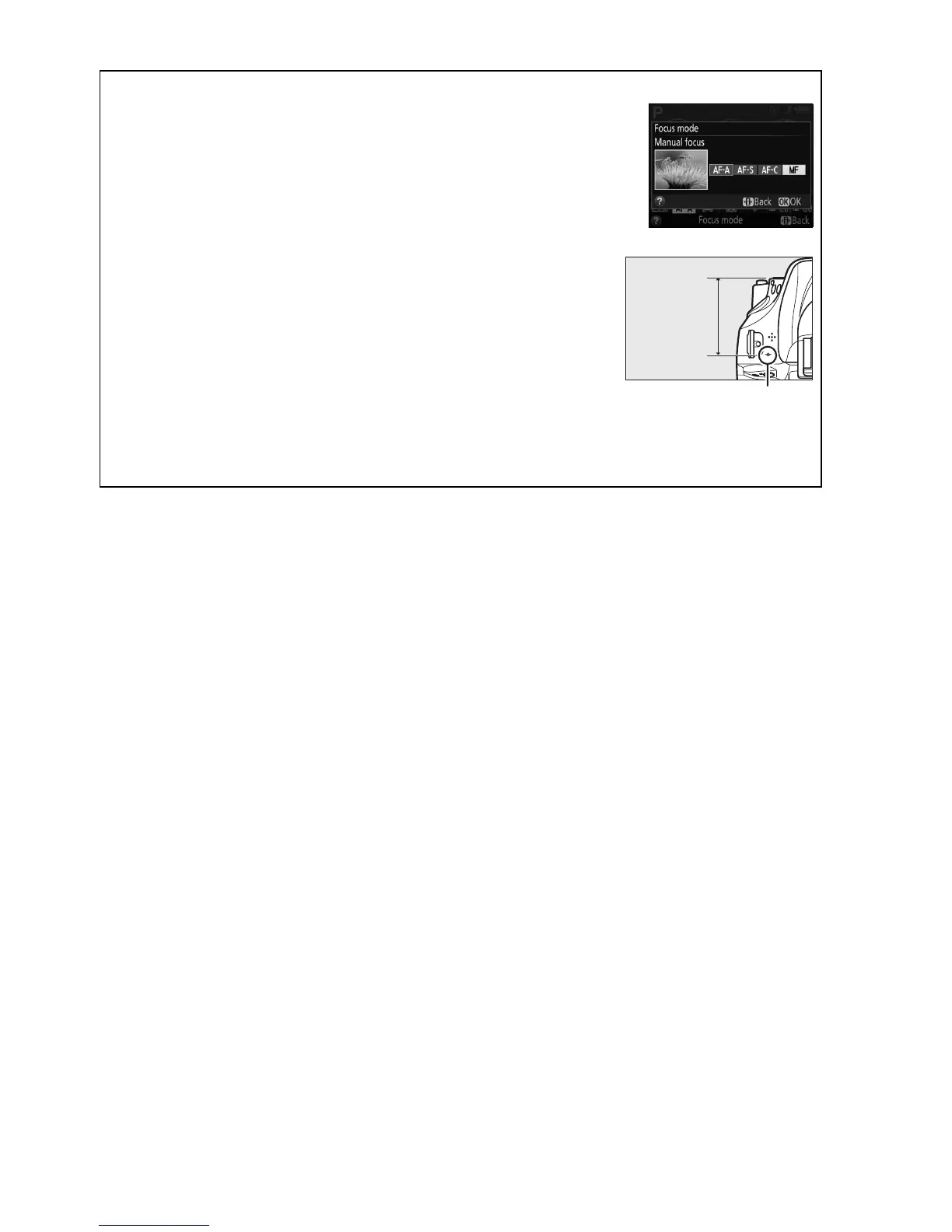
A Selecting Manual Focus with the Camera
If the lens supports M/A (autofocus with manual override), manual
focus can also be selected by setting the camera focus mode to MF
(manual focus; 0 33).
Focus can then be adjusted manually,
regardless of the mode selected with the lens.
A Focal Plane Position
To determine the distance between your subject and the camera,
measure from the focal plane mark on the camera body.
The
distance between the lens mounting flange and the focal plane
is 46.5 mm (1.83 in.).
A The Exposure Indicator as Rangefinder
If desired, the exposure indicator can be used to determine whether the focus point for
manual focus is in front of or behind the subject (0 159).
Focal plane mar



 To Next Page