111
Special Effects
Special effects can be used when recording images.
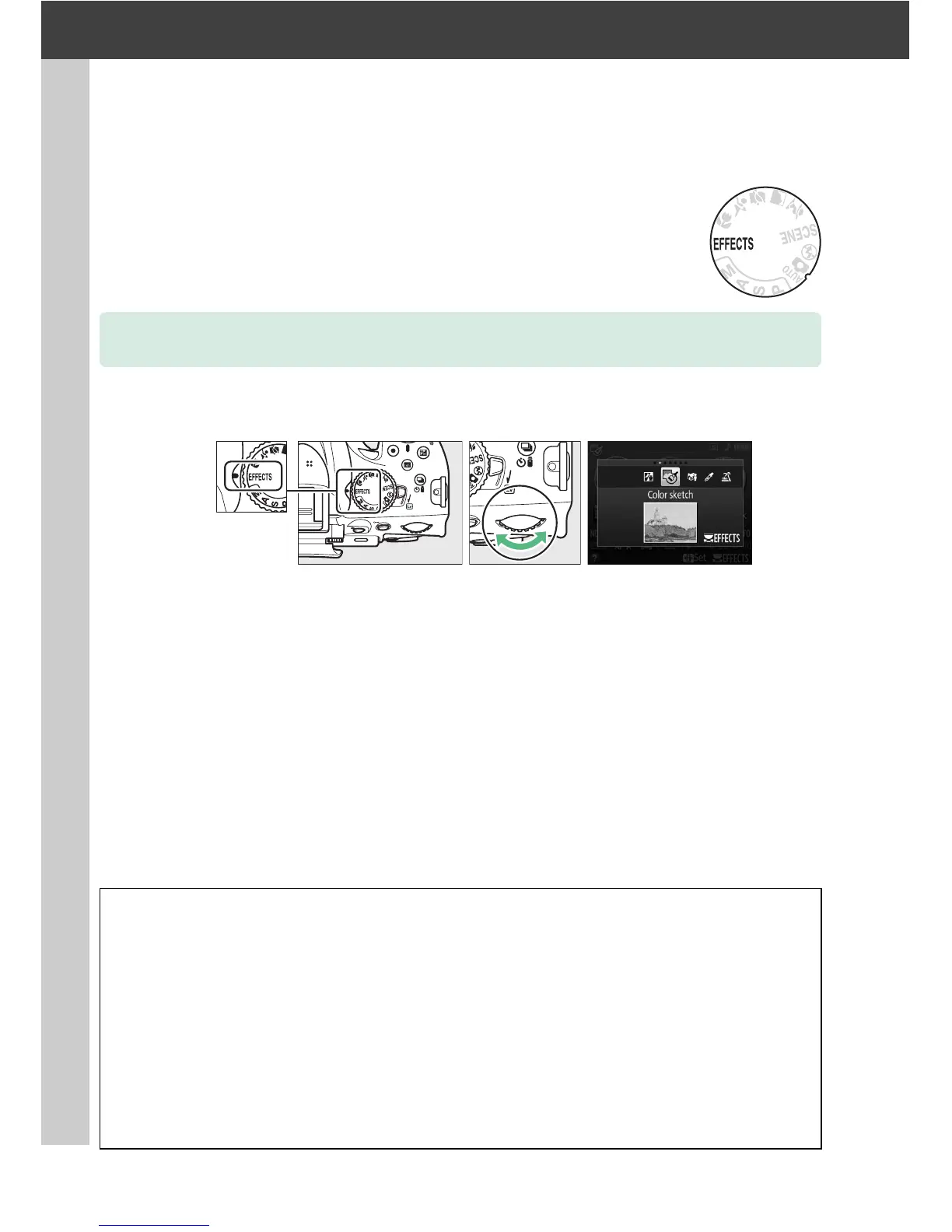
The following effects can be selected by rotating the mode dial to q and rotating
the command dial until the desired option appears in the monitor.
Shooting with Special Effects
Mode dial Command dial Monitor
A NEF (RAW)
If NEF (RAW)+JPEG is selected for image quality in %, g, (, or 3 mode, only the JPEG images
will be recorded (0 42).
If NEF (RAW) is selected, fine-quality JPEG photographs will be
recorded instead of NEF (RAW) images.
A The 1 Icon
If a 1 icon is displayed in g or ( mode, no pictures will be taken while the shutter-release
button is pressed in continuous high-speed and continuous low-speed release modes.
A The Retouch Menu
The Color sketch (0 189), Miniature effect (0 191), and Selective color (0 192) options in
the retouch menu can be used to apply these effects to existing pictures.



 To Next Page