28
Assembly
6
WARNING
• Before assembling or connecting devices, thoroughly read the “Safety Precautions” at the
beginning of this manual, and be sure to follow all warnings and cautions written therein.
• To prevent electric shock, fire, and product damage, turn off the power switches (press to the
“○” positions) on all devices, and unplug the power cords.
CAUTION
• Take care to avoid pinching your fingers and hands.
• Scratches and dirt on optical components (i.e. lenses and filters) will degrade the
microscope image. Keep them free of scratches, dust, fingerprints, and other dirt.
• The product is a precision optical instrument. Handle the product with care, and avoid
subjecting it to strong physical shocks. In particular, the accuracy of objectives may be lost
by even weak physical shocks.
This chapter describes the installation, assembly, and setup of the product in the actual sequence.
Assemble the product as described in this chapter.
Tools Required for Assembly
Hexagonal wrench (one hexagonal wrench is provided with the microscope)
1
Assembly of Standard Set
1
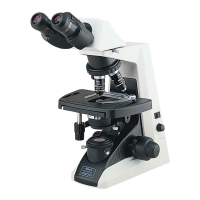
Installing the microscope body
1. Select a location for the installation.
For the installation location, refer to “Installation location and storage location” in “Notes on
Handling the Product” at the beginning of this manual (P. ix).
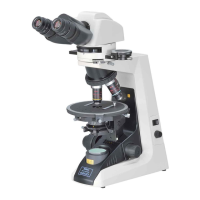
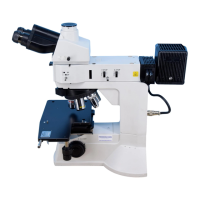
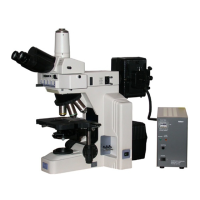
2. Take out the main body from the box and place it on a stable surface.








 To Next Page