10
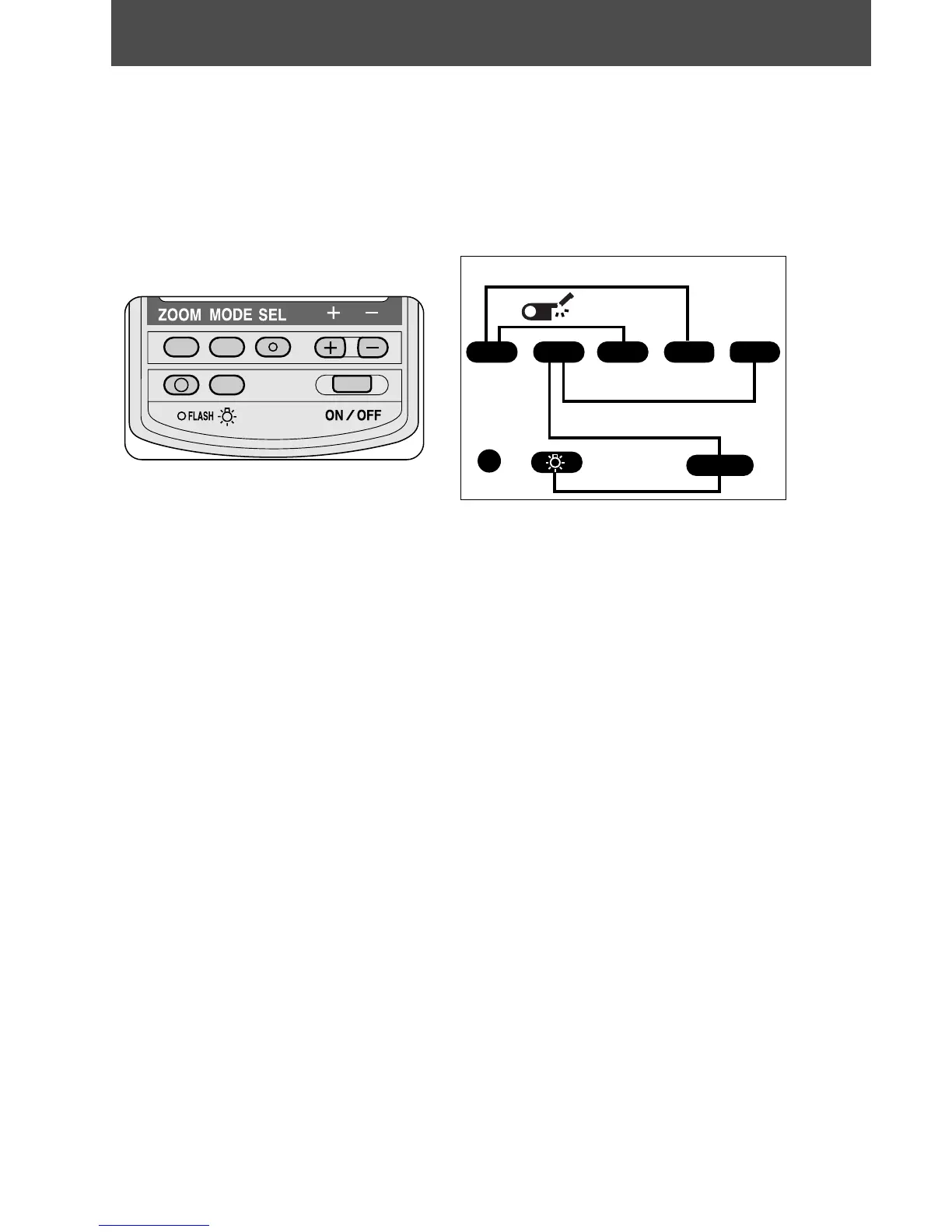
By pressing a single button, you can activate frequently used
functions. When two buttons are pressed simultaneously, you
can activate functions which are not necessary to set each time.
For easy reference, refer to the chart on the back of the built-in
bounce card.
One-button operations
' To adjust the zoom-head position (P.19-20)
µ To set the flash mode (P.22)
[ To select and set various functions and values
{ To increase values
} To decrease values
~ To test fire the flash (P.17)
. To illuminate the LCD panel (P.5)
= To turn power on and off (P.15)
Two-button operations
' + { To set or cancel automatic zoom-head adjustment (Buttons must be
pressed for 2 sec.) (P.19-20)
' + [ To readjust the zoom-head position, if built-in wide flash adapter is
broken off accidentally (P.21)
µ + } To turn the AF assist illuminator LED on or off (P.81-82)
µ + = To cancel or set the standby function (Buttons must be pushed after
the flash is turned off.) (P.15)
. + = To select the distance scale (meters or feet) (P.13)
(Buttons must be pushed after the flash is turned off.)
Using control buttons















 To Next Page