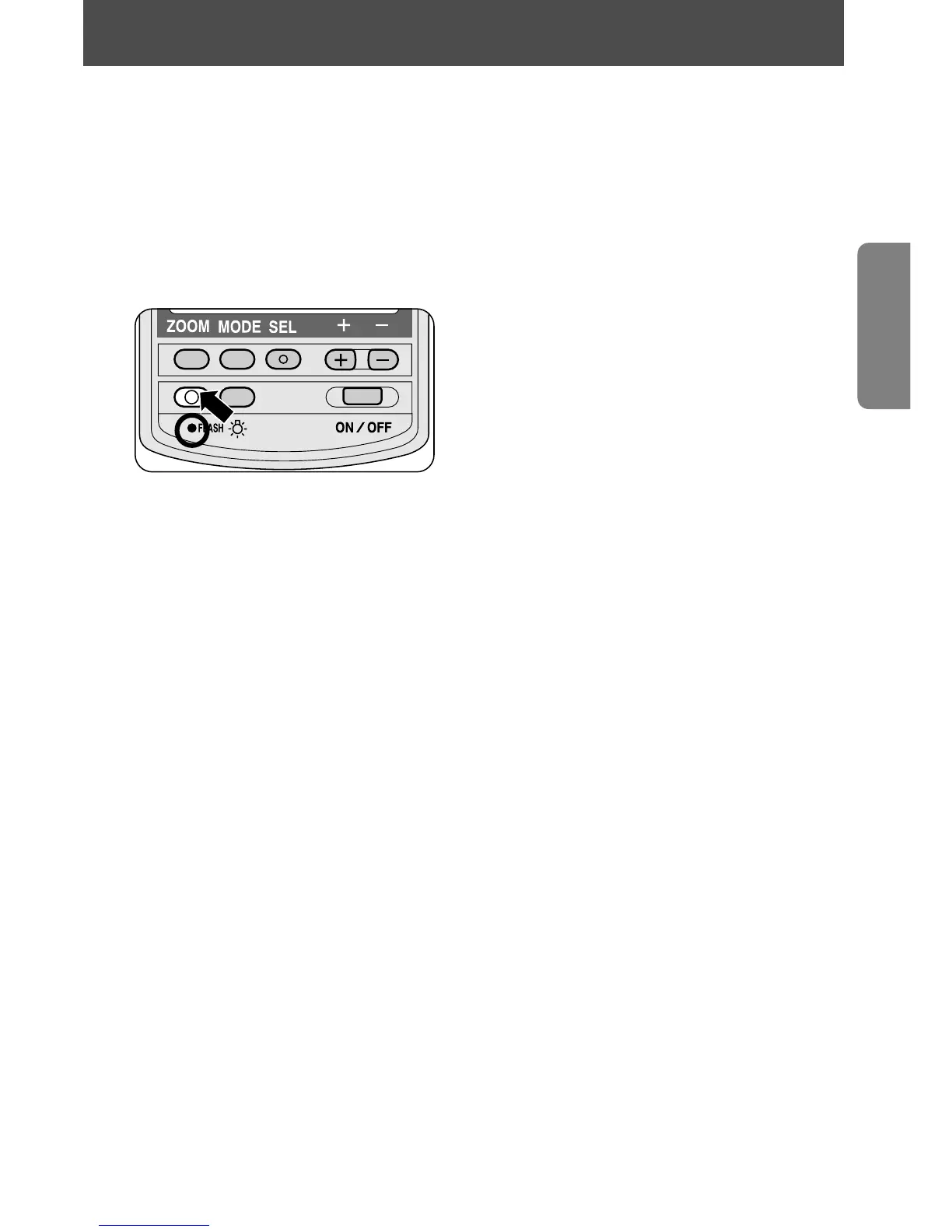
You can perform simple test firing by pressing the ~ button to
ensure that the SB-28 is working properly.
1
Press the = button to turn the SB-28 on.
2
After the ready-light comes on, press the ~ button to fire
the SB-28.
NOTE
If the SB-28 enters the standby mode, press the ~ button once
to turn the flash back on, then press the ~ button again to test-fire
the unit.
17
Test firing















 To Next Page