When photographing people or animals in dim light using flash, the
subject's eyes may come out bright red in color pictures or white in
black and white pictures. This phenomenon is known as red-eye.
To prevent this, cameras in Group I (except the F5) as well as the
Pronea 600i/6i feature red-eye reduction control.
• You cannot set red-eye reduction on the SB-28 directly. For more information, refer
to your camera’s instruction manual.
• When red-eye reduction is set on your camera, the SB-28’s red-eye reduction LED
lights up for approx. 1 sec. before the flash fires to close down the iris of the
subject’s eyes.
Setting your camera to red-eye reduction
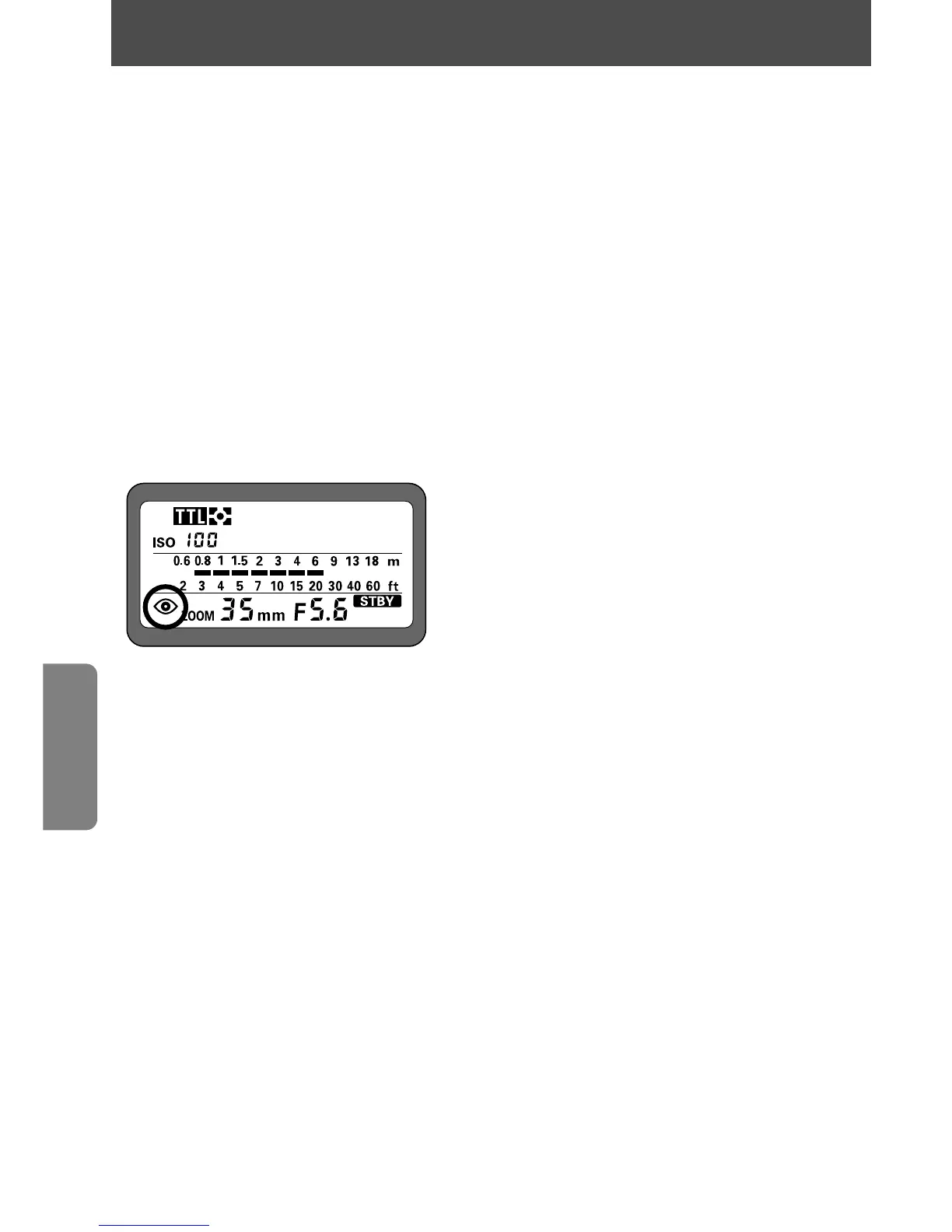
After setting your camera to red-eye reduction, check the SB-28's LCD
panel to make sure
@
appears.
76
Red-eye reduction control
For cameras in Group I (except F5), F65-Series/N65-Series and Pronea 600i/6i















 To Next Page