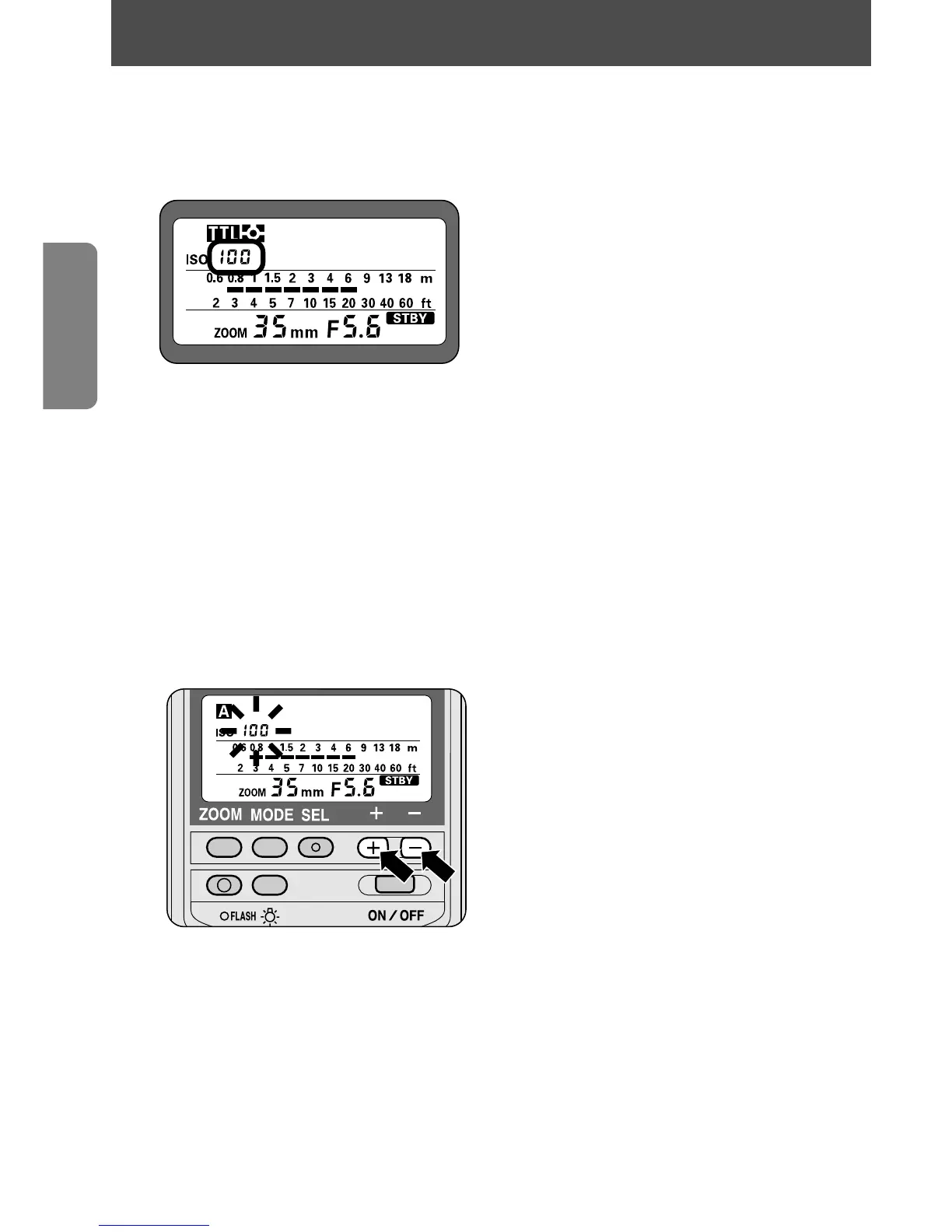
Cameras in Groups I and II
The ISO film speed is automatically set and indicated on the SB-28’s
LCD panel.
• The usable film speed in TTL Auto Flash t mode is ISO 25 to 1000.
Cameras in Groups III through VII
Set the ISO film speed manually in this manner:
1
Turn the SB-28 off.
2
Turn it on again. The film speed starts blinking.
3
Press the { or } button to increase or decrease the
film speed.
—Press the [ button to stop the film speed from blinking.
• The film speed indicator blinks during adjustment and stops after 8 seconds
unless the [ button is pressed. The last blinking number is the one
automatically set.
• The following ISO film speeds can be used in TTL Auto Flash t mode :
ISO 25 to 1000 for cameras in Groups III and IV, plus F-501/N2020 and
F-301/N2000 cameras.
ISO 25 to ISO 400 for cameras in Group VI, plus F-401s/N4004s and
F-401/N4004 cameras.
18
Setting the ISO film speed















 To Next Page