54
Repeating Flash
"
Mode
3
Set the exposure mode to Manual (M).
4
Set the aperture.
—For cameras in Groups I and II with Nikkor lenses with a built-in CPU:
Change the aperture on the camera as you watch the indicator bar ¡
on the LCD panel change to match the shooting distance.
—For other camera/lens combinations: Press the { or } button to
change the aperture on the LCD panel. Then set the same aperture on
the lens aperture ring.
The indicator bar ¡ shows a flash shooting distance in which the
correct exposure can be obtained with a single flash firing.
5
Set the shutter speed.
—Use the equation to determine the shutter speed.
Number of flashes per frame
Shutter speed = ————————————————
Frequency of flashes (Hz)
For example, if the number of flashes per frame is 10 and frequency is
5 Hz, divide 10 by 5 to get a shutter speed of 2 sec. or slower.
—Or you can set the shutter speed to B (bulb) to accommodate any
number of repeating flashes.
6
Wait for the ready-light to come on and make sure the subject
is in focus before taking the picture.
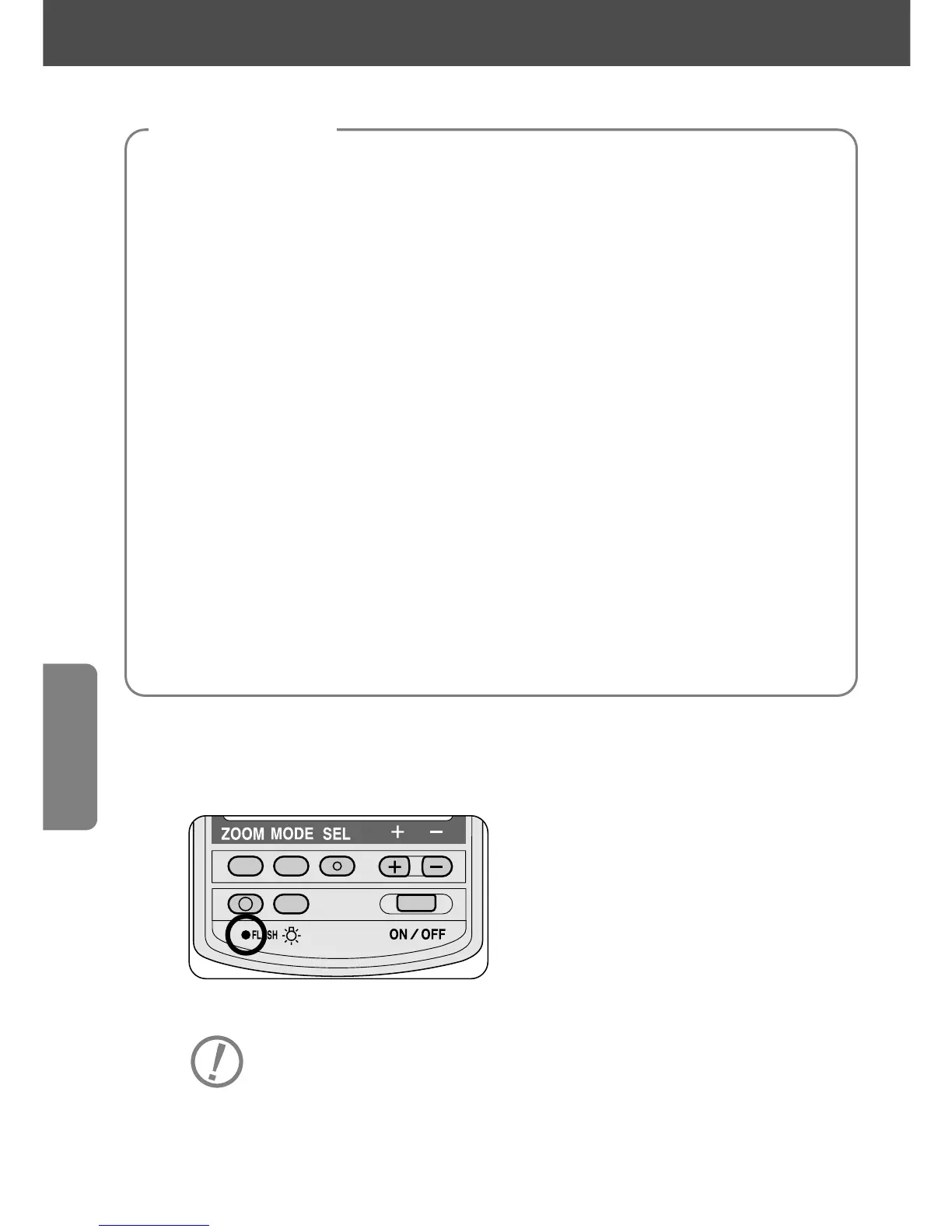
—Press the ~ button to make sure the flash fires correctly as set.
• In the Repeating Flash Mode, use a tripod to prevent camera/flash shake.
Allow the SB-28 to cool off for at least 10 minutes after 10
sequences of repeating flash.
Camera settings
For cameras in all groups















 To Next Page