89
NOTE
The SB-28 incorporates a microcomputer to control flash operations.
In rare cases, the SB-28 may not work properly even after fresh batteries
are properly installed. If this happens, replace the batteries with the
SB-28's power turned on.
Troubleshooting
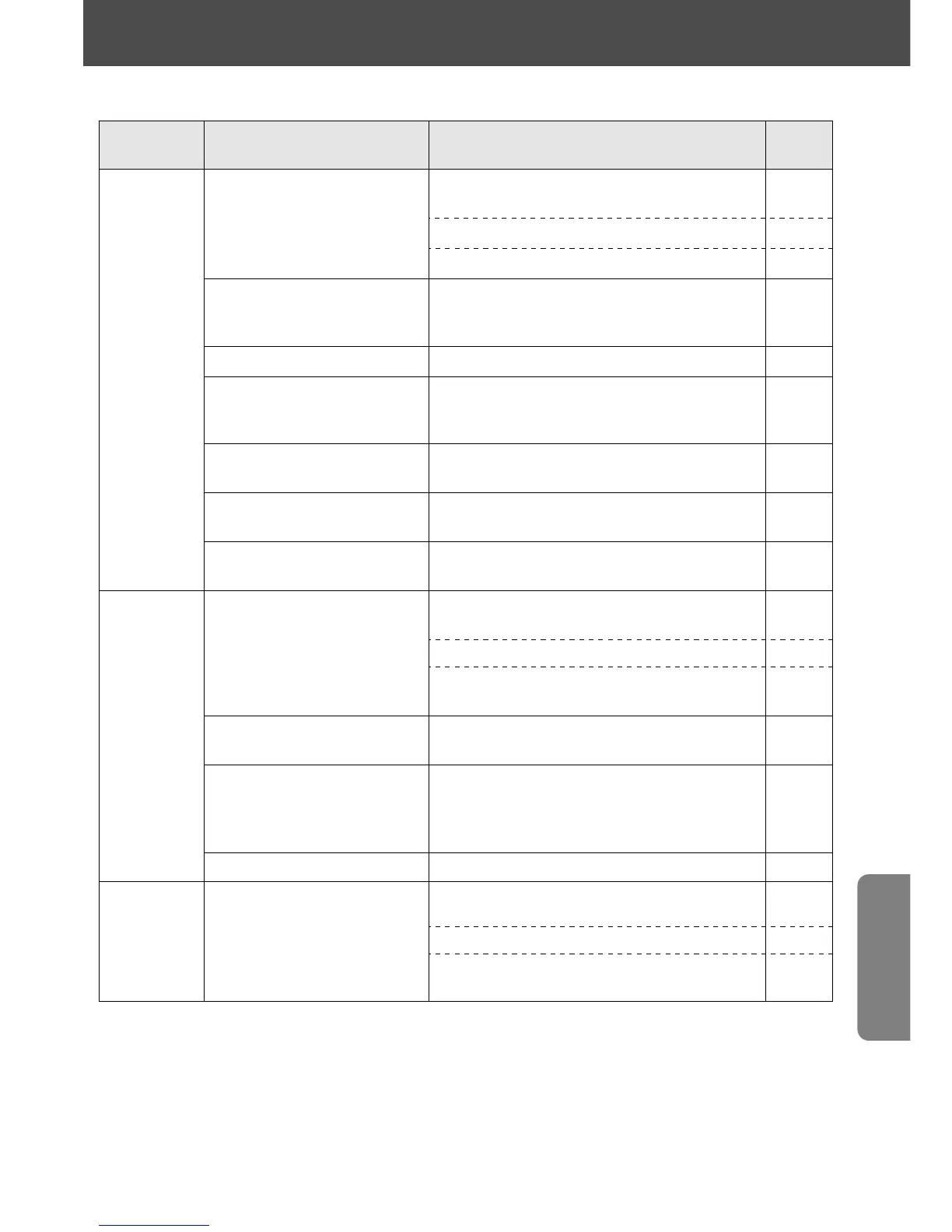
Warning indicator Cause
Camera
Group
Ref.
page
No J indicator
appears.
• Batteries are not correctly
installed.
• Battery power is weak.
All
camera
groups
Group I
Group II
12
Ready-light blinks
for approx. 3 sec.
after shooting.
Flash fired at full output but light
may have been insufficient.
16
Power turns off. Batteries are exhausted. —
No indicator bars
_ appear.
SB-28’s flash head is tilted or
rotated from the horizontal/front
position.
13
Indicator bars _
blink.
Flash head is tilted down -7°.13
Zoom-head position
indicator blinks.
The
'
and
[
buttons are
pressed simultaneously for approx. 4 sec.
21
20
No
tØ indicators
light up.
• A Nikkor lens other than one
having built-in CPU is mounted.
26
Ready-light and
÷ blink
after picture is taken.
Light was insufficient for correct
exposure.
28
Q% indicators
and small M above
the ZOOM as well as18
or 20 blink.
% blinks.
Built-in wide flash adapter is used in
FP High-Speed Flash sync.
SB-28 is removed with
% setting.
51
• F4’s Metering System is not set to
Spot Metering.
31
No
tø indicators
light up.
• A Nikkor lens without a built-in
CPU is mounted.
• Flash mode is set to t.
31
31
51
• Flash mode is set to t.26
• F5’s or F100's Metering System is
set to Spot Metering
26
Small M above
ZOOM blinks.
Zoom-head position is locked.
• Standby function is set and operating.
15
16















 To Next Page