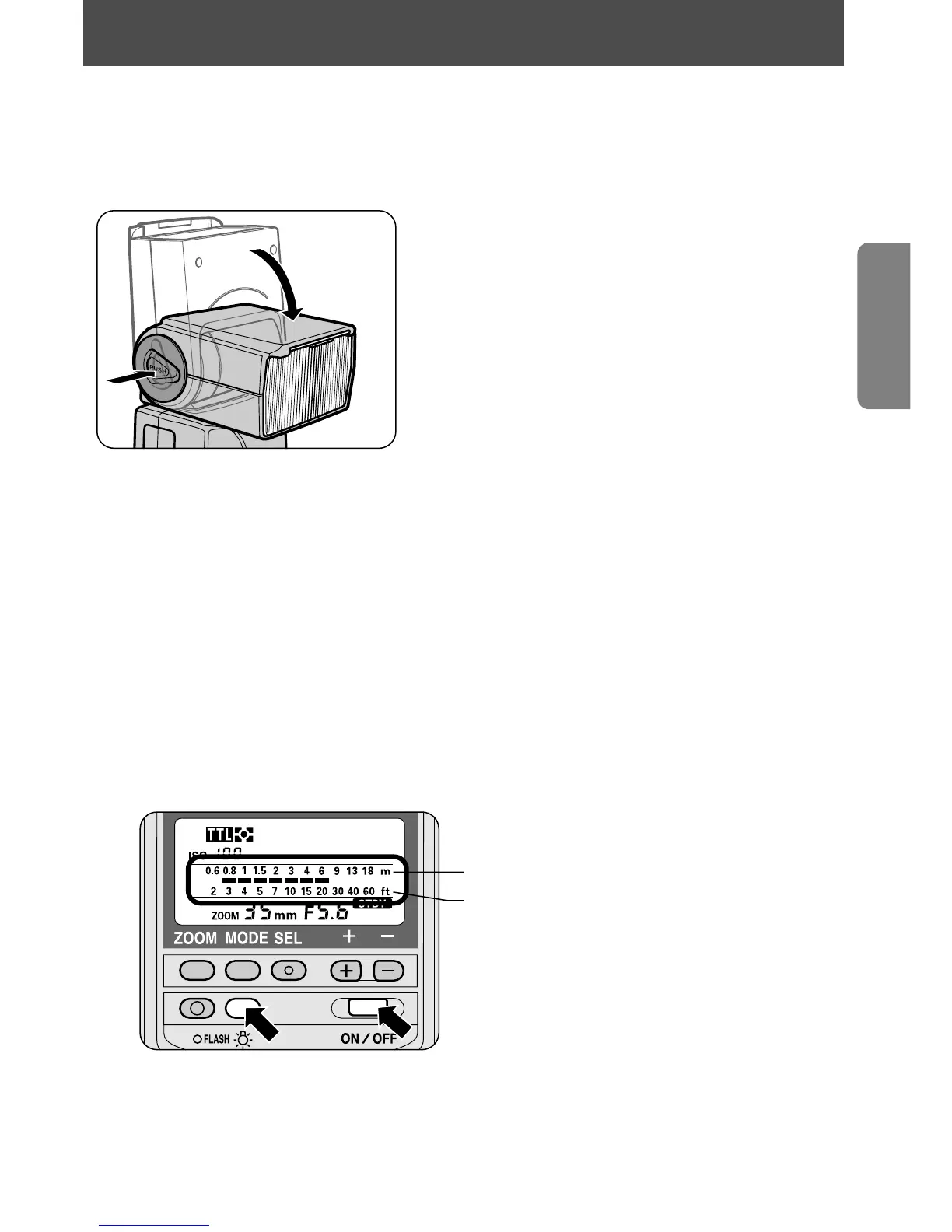
Adjusting the flash head
Hold down the flash head tilting/rotating lock release button while
adjusting the flash head to the horizontal/front position.
• The flash head tilts/rotates from the
horizontal/front position to:
90° (up)
–7° (down)
180° (left)
90° (right)
• The flash head has click stops at 30°, 60°
and 90° (to the right), 30°, 60°, 90° 120°,
150° and 180° (to the left), –7° (down), and
45°, 60°, 75° and 90° (up).
• When the = button is pressed for approx. 0.5 sec. after adjusting
the flash head to the horizontal/front position, the power turns on and the
flash shooting range indicator bars _ appear on the LCD panel. They do
not appear if the flash head is adjusted to a position other than the
horizontal/front position.
• The indicator bars _ blink when the flash head is tilted down to –7°.
Selecting the distance scale (meters/feet)
Set the distance scale on the LCD panel to either meters (m) or feet (ft).
1
Press the = button for approx. 0.5 sec. to turn the SB-28 off.
2
Hold down the . button as you press the = button.
—To return to the former setting, repeat steps 1 and 2.
m (meters) display
ft (feet) display
• The SB-28 is preset to meters (m) when the SB-28 is shipped from the factory.
NOTE
Although meters (m) and feet (ft) appear together in this manual
for ease of explanation, they do not appear simultaneously on the
SB-28’s LCD panel.
13
Adjusting the flash head / Selecting the distance scale















 To Next Page