41
1
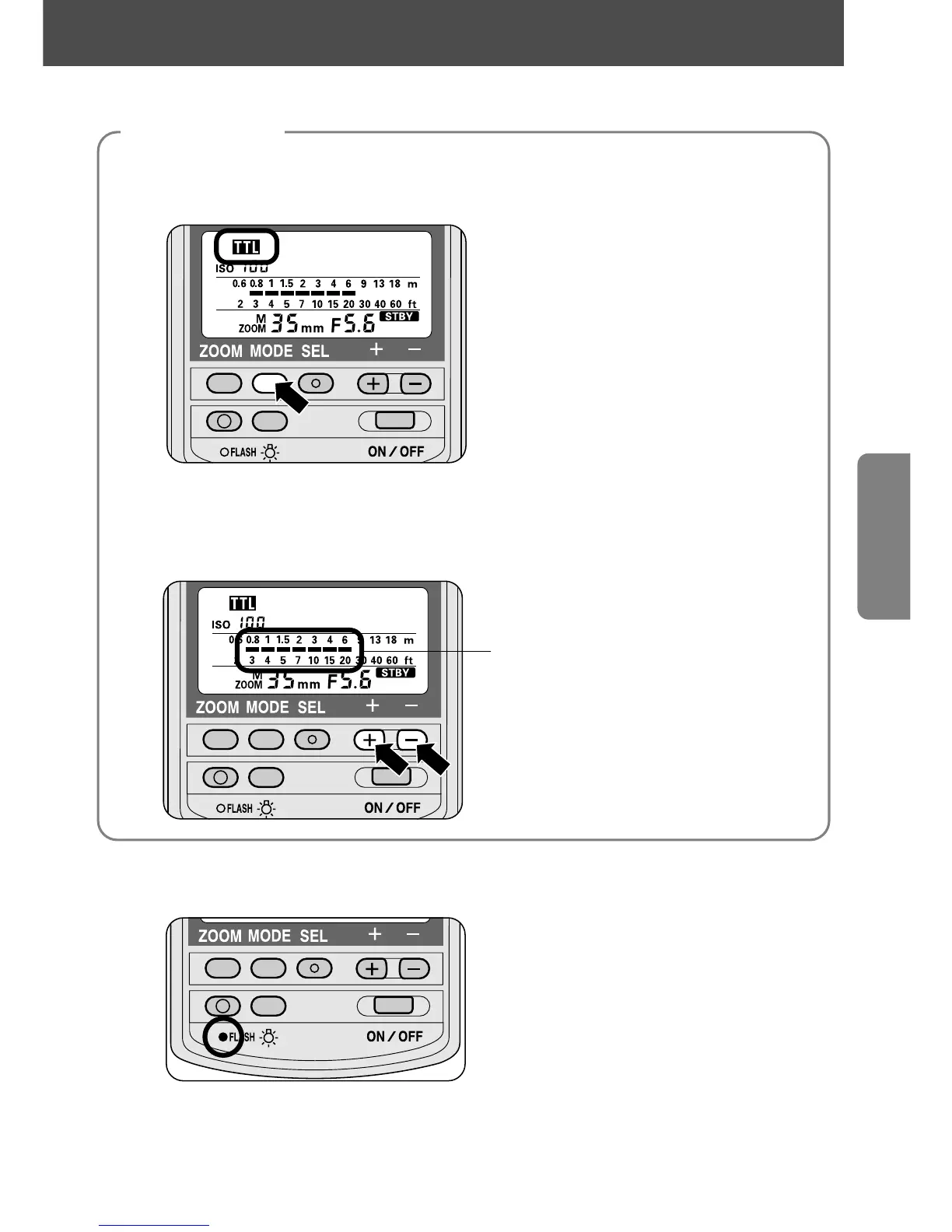
Select the flash mode.
—Press the µ button until t appears on the LCD panel.
2
Check the shooting distance.
—Press the SB-28's { or } button until the aperture set on the lens is set on
the SB-28's LCD panel, then confirm the flash shooting distance range.
Flash shooting distance range
3
Wait for the ready-light to come on and make sure the subject
is in focus before taking the picture.
• If the ready-light blinks for approx. 3 seconds after shooting, this indicates
the light may have been insufficient for correct exposure. In this case,
use a wider aperture or move closer to the subject.
Flash settings















 To Next Page