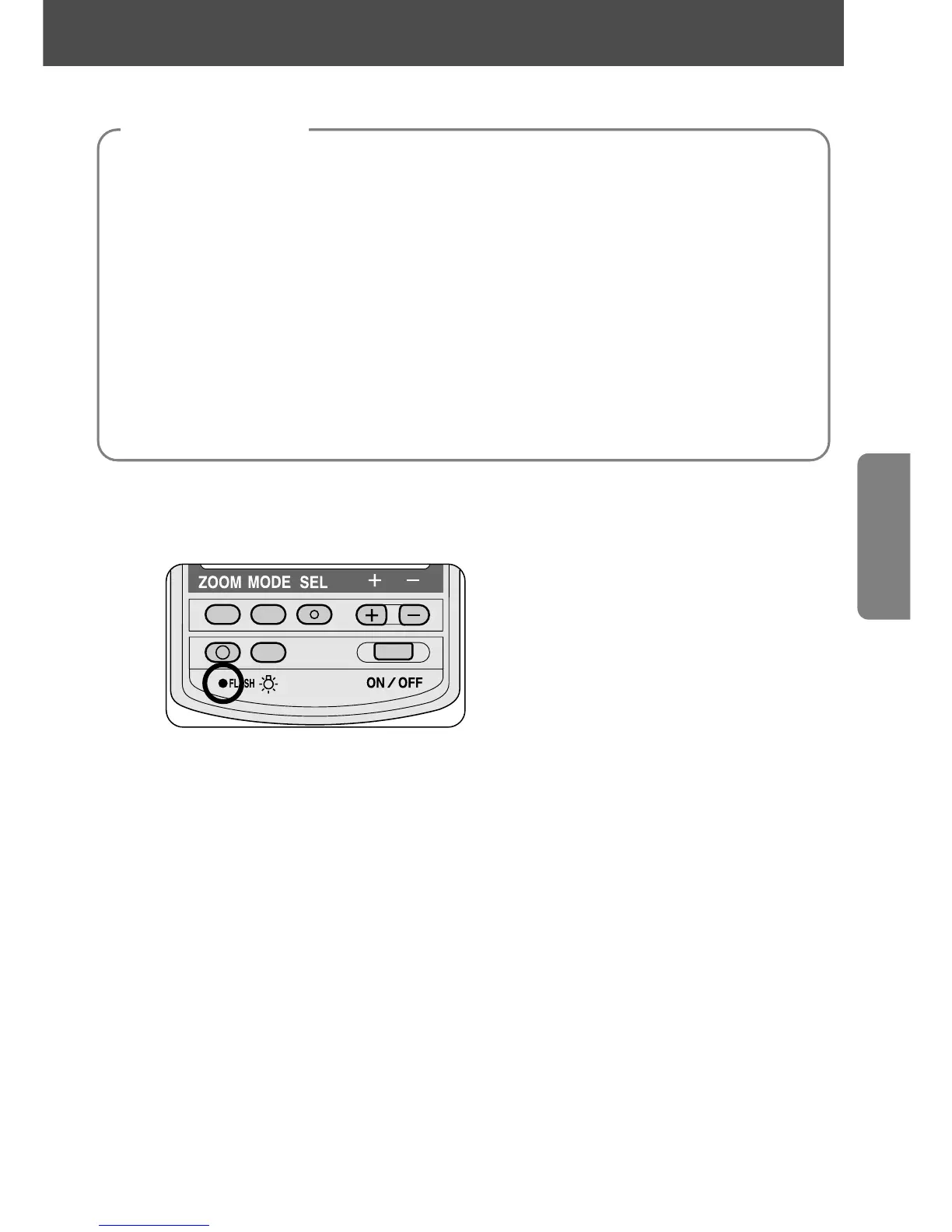
3
Select the exposure mode.
—Set the camera’s exposure mode to Aperture-priority auto (A) or
Manual (M).
4
Set the aperture on the lens.
—Set the aperture that appears on the SB-28’s LCD panel on the lens.
• The subject will be overexposed if you set a larger aperture (smaller
f-number) on the camera than on the SB-28, and underexposed if you
set a smaller one (larger f-number).
5
Set the correct shutter speed.
—Set the camera to its highest flash sync shutter speed.
6
Wait for the ready-light to come on and make sure the subject
is in focus before taking the picture.
• If the ready-light blinks for approx. 3 seconds after shooting, this indicates
the light may have been insufficient for correct exposure. In this case, use
a wider aperture or move closer to the subject.
43
Camera settings















 To Next Page