Manual flash photography is provided when shooting subjects in
which the correct exposure is difficult to obtain in the TTL or Non-
TTL Auto Flash Mode.
1
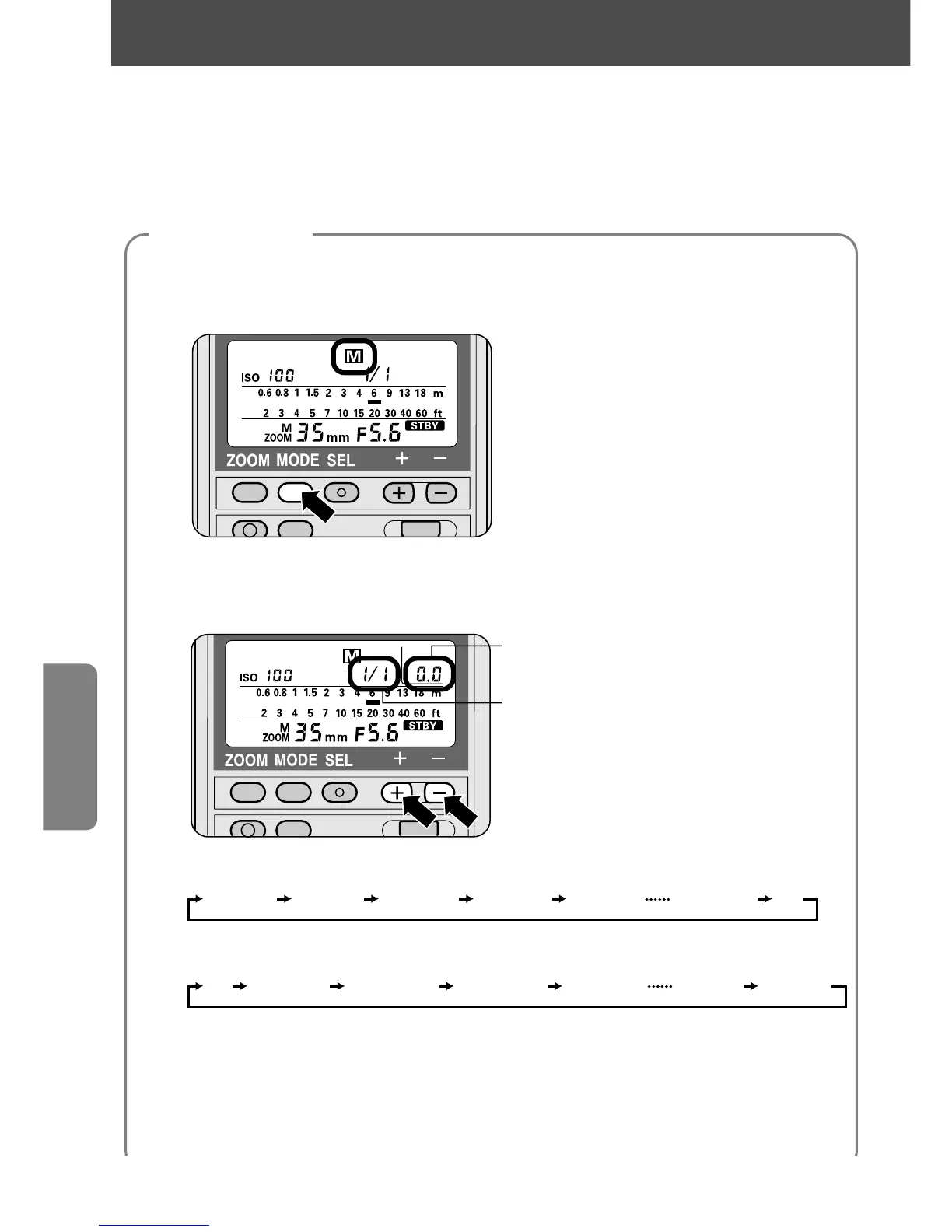
Select the flash mode.
—Press the µ button until ƒ appears on the LCD panel.
2
Adjust the flash output level.
—Press the { or } button to choose a flash output level.
Exposure compensation value
Flash output level
The indicator changes every time you press the } button:
The indicator changes every time you press the { button:
The numbers in parentheses ( ) represent the adjustable flash output
level in ±1/3 steps.
—The indicator bar ¡ on the LCD panel changes to match the shooting
distance at the flash output level set, and the corresponding exposure
compensation value is displayed on the LCD panel.
46
Manual Flash
ƒ
Mode
For cameras in all groups
Flash settings















 To Next Page