3
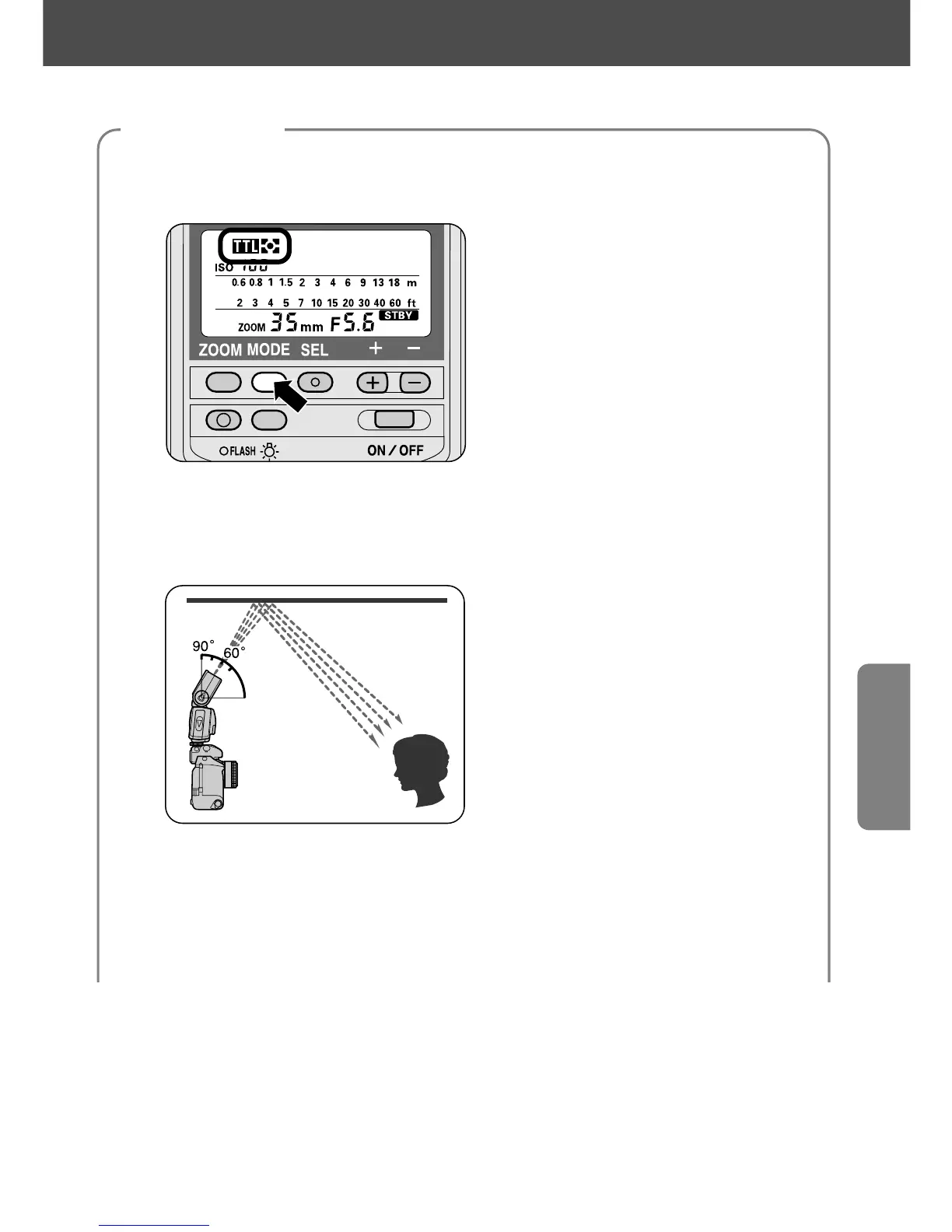
Select a flash mode.
—Press the µ button until t or ˙ appears on the LCD panel.
4
Tilt and/or rotate the flash head.
—Depress the flash head tilting/rotating lock release button and tilt the
flash head up at least 60° to bounce light off the ceiling.
• If the angle of the flash head is not far enough off axis from the subject,
uneven illumination will result from a combination of direct and bounced
flash.
• In color photography, select white or highly reflective surfaces to bounce
light off of. Otherwise, your pictures will come out with an unnatural color
cast similar to that of the reflecting surface.
59
Flash settings















 To Next Page