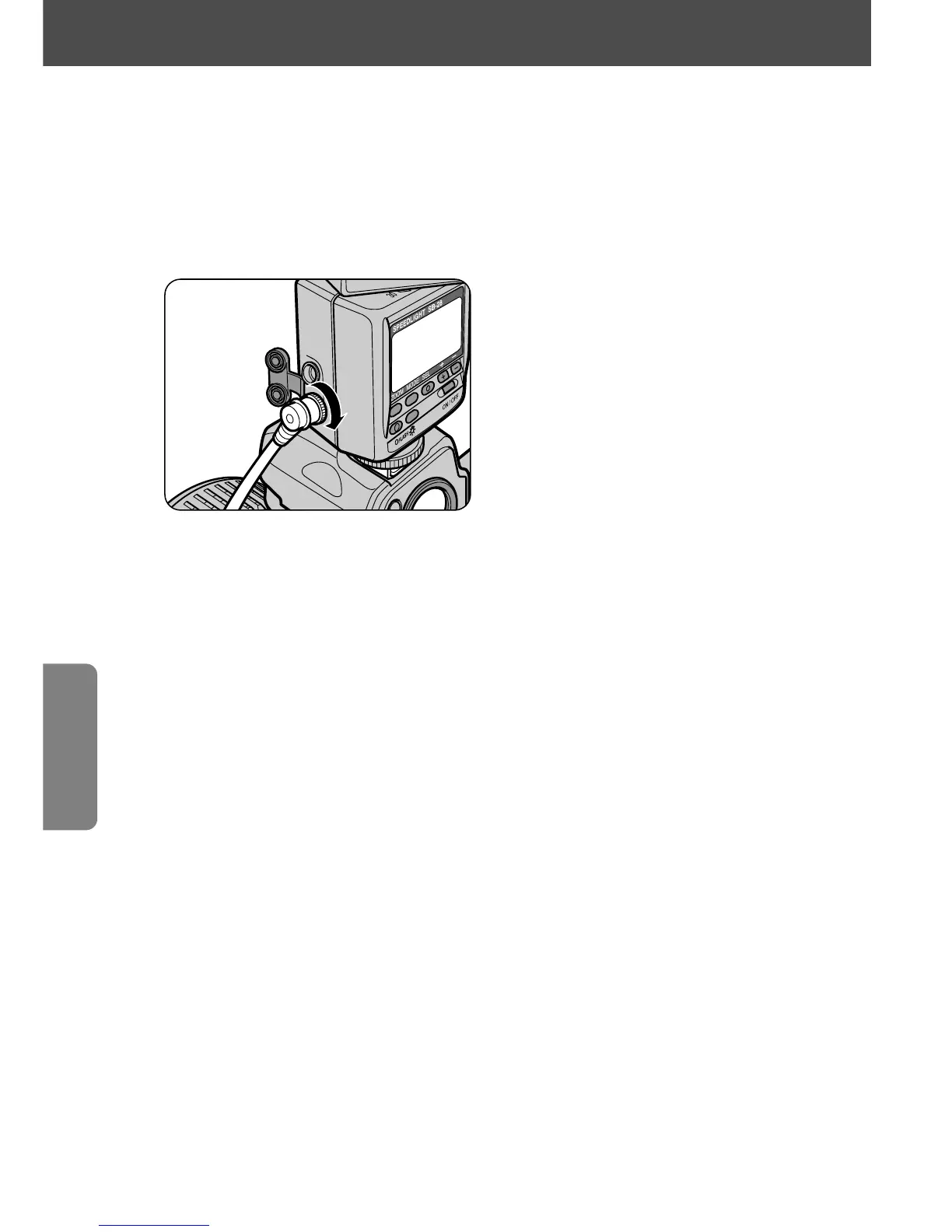
Manual multiple flash operation (For cameras in all groups)
• For speedlights which can serve as secondary flash units, see the
System chart for TTL multiple flash on pages 68–69.
1
Connect the SB-28 to the sync terminal of the secondary flash
unit(s) using a cord.
Usable optional remote cords:
Use the sync terminals for connecting the SB-28 with other flash units
via the Sync Cord SC-11/SC-15, or TTL Multi-Flash Sync Cord
SC-18/SC-19.
2
Set the flash mode of all the flash units to Manual ƒ.
3
Set the zoom-head position and the flash-to-subject distance of
the main flash unit and secondary unit(s).
• First set the zoom-head position and the flash-to-subject shooting distance of
the main flash unit, then on the secondary unit(s).
• To calculate the maximum number of flash units that can be connected, see
page 65.
4
Follow the same procedure as in normal Manual flash ƒ mode.
• For applicable guide numbers in Manual ƒ mode for each flash output level
at each zoom-head position, see pages 56-57, Guide Numbers for
determining correct aperture in ƒ and " modes.
Multiple flash operation in
t
and
ƒ
flash modes
70















 To Next Page