84
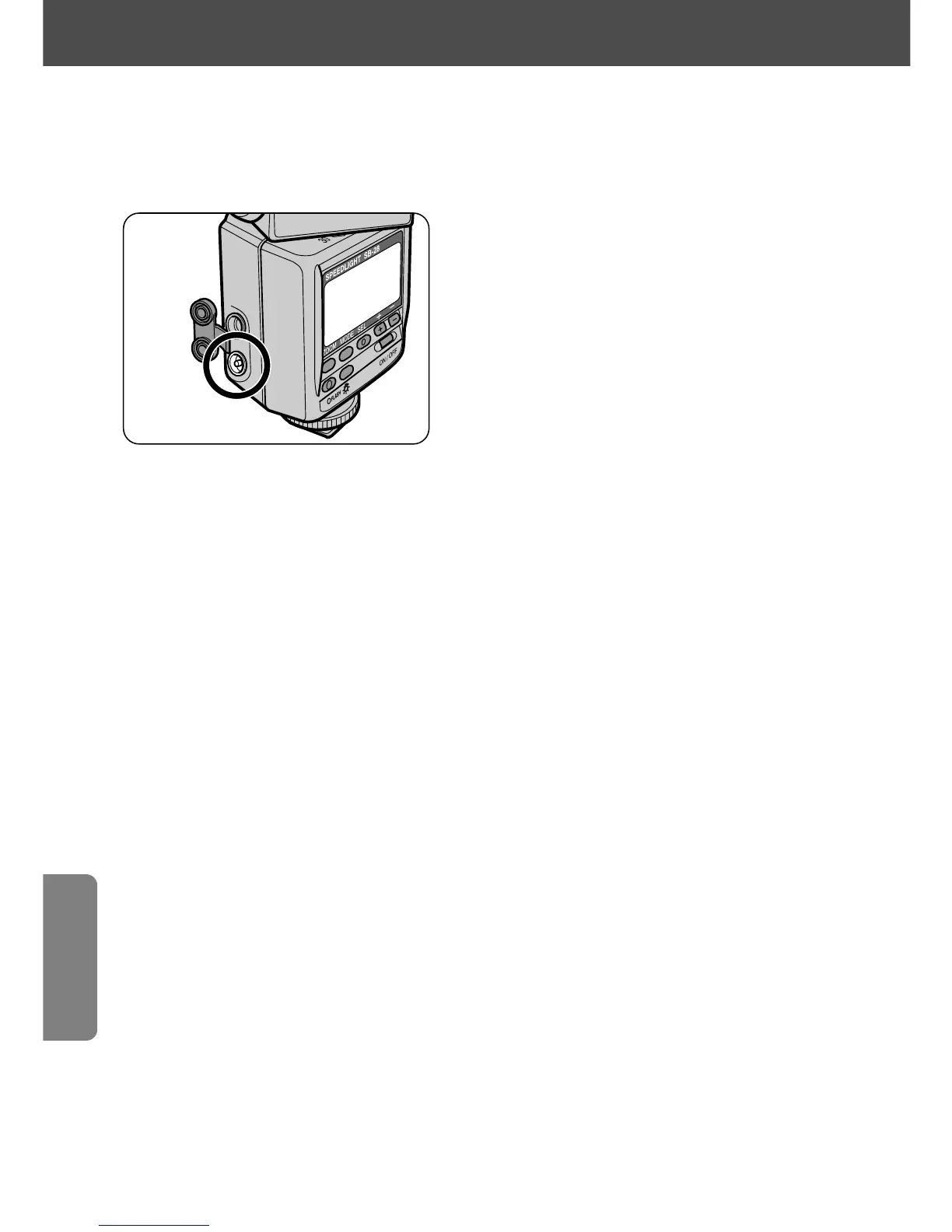
Connecting the SB-28 to your camera using a sync cord
You can connect the SB-28 to your camera by attaching a sync
cord to the SB-28’s sync terminal.
• You cannot use a sync cord when the SB-28 is set to the t mode.
Usable sync cords
SC-11 (approx. 25 cm)
SC-15 (approx. 1m)
NOTE
• To connect the SB-28 to a camera without a sync terminal, use optional
Sync Terminal Adapter AS-15.
• Use the sync/multiple flash terminal when connecting the SB-28 to other
Nikon flash units via sync cords.
• When the SB-28 is connected to a camera via a sync cord, it provides
neither automatic sync speed setting nor ready-light indication inside the
camera’s viewfinder. To maintain all functions, use the optional TTL
Remote Cord SC-17.
• If a non-Nikon flash unit—one incorporating a high-voltage (above 50V)
or negative voltage sync circuits—is connected to the SB-28’s
sync/multiple flash terminal, the SB-28’s protection circuit is activated,
resulting in improper operation of the unit.
Optional accessories















 To Next Page