74 XTM0011-F2 XT V 160 X-ray System
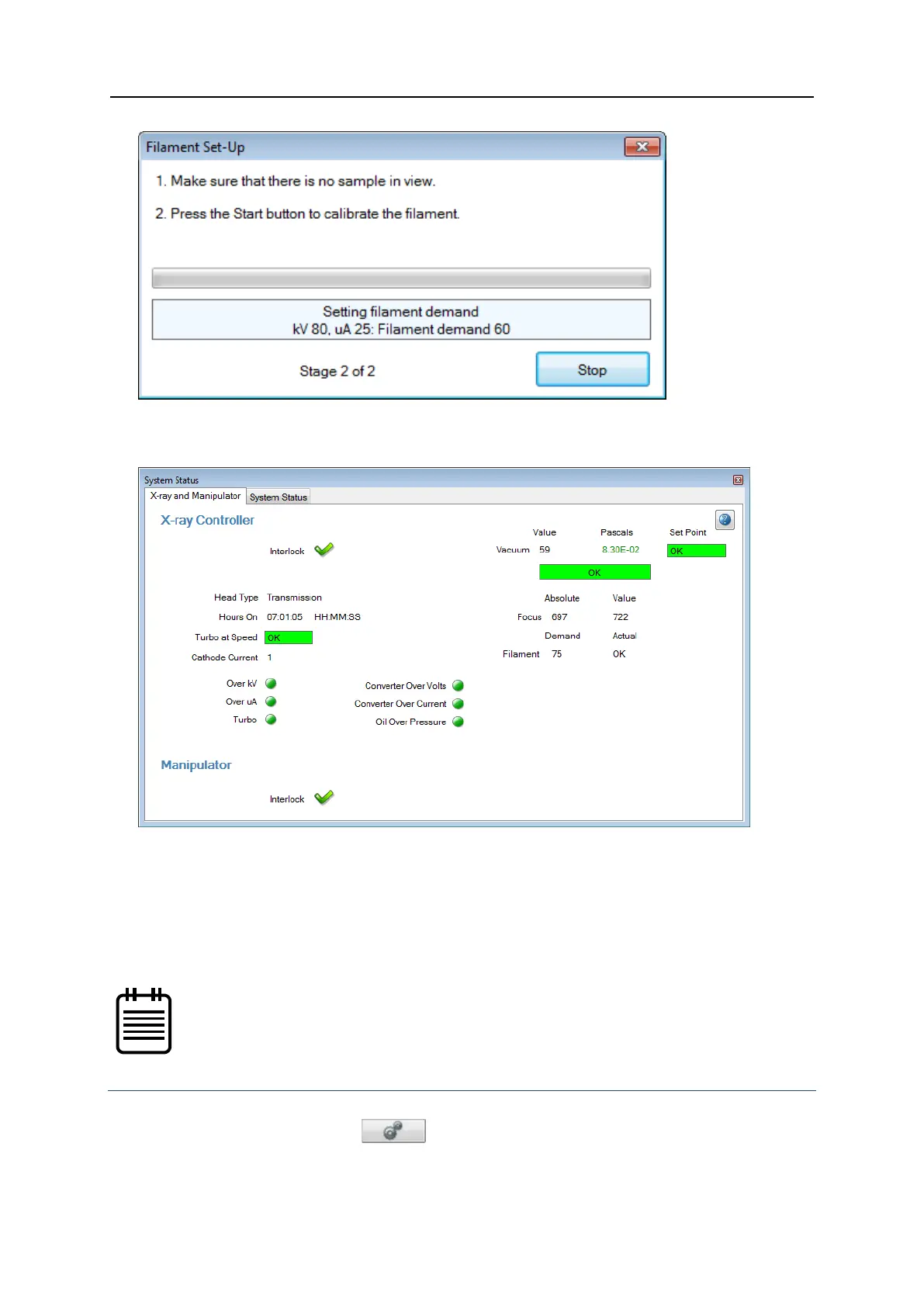
The hours on counter is reset to zero in the System Status window. This aids
preventative maintenance and indicates when the next filament change is likely to be
due.
9. When calibration is complete, click Close.
Recalibrate the filament
It may be necessary to recalibrate a working filament. It is recommended to do this after a
few hours of operation of a new filament for optimum filament life and image quality as
impurities on the filament surface boil off. It can also be run at regular intervals to ensure
optimum image quality.
You can also use the Regular filament adjustment option (from the
Setup page in Inspect-X) to recalibrate a filament during routine use of
the system.
To recalibrate the filament, follow these steps:
1. In Inspect-X, click Setup to select the Setup workflow.
2. In the Settings section, click
.


 To Next Page
 Loading...