85Shooting Controls
In movie mode, you can choose the operation performed when
the shutter-release button is pressed (0 45). Regardless of the
option selected, a maximum of 50 photos can be taken with
each movie.
The Self-Timer
In self-timer mode, pressing the shutter-release button starts a
timer, and a photo is taken when the timer expires.
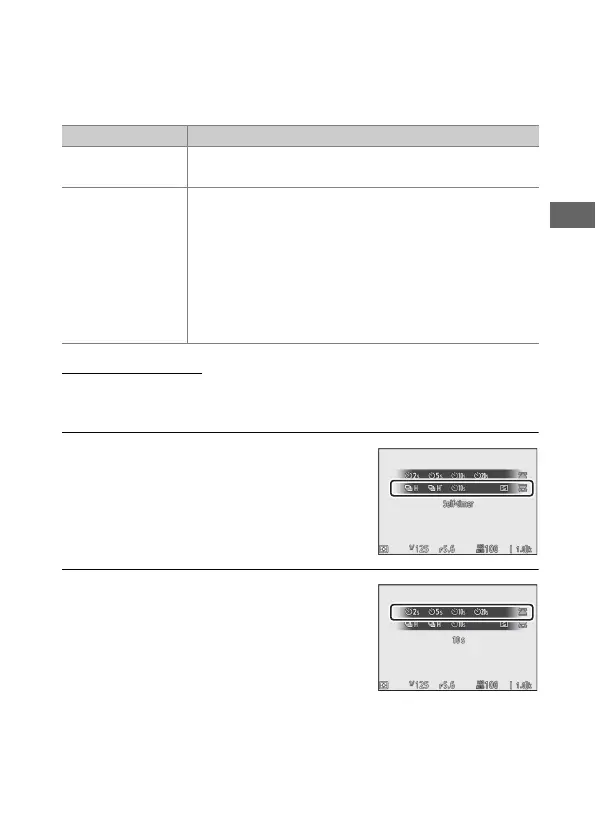
1 Select self-timer mode.
Keeping the c (E) button pressed,
rotate the main command dial to
highlight E (self-timer).
2 Choose the shutter-release delay.
Rotate the sub-command dial to
select the shutter-release delay and
press J.
Option Description
U
Single frame
The camera takes one photograph each time the
shutter-release button is pressed.
c
Continuous
The camera takes photographs for up to 3 s at a time
while the shutter-release button is held down, up to
the maximum displayed when the shutter-release
button is pressed halfway. The frame rate varies with
the option selected for Frame size/frame rate in
the movie shooting menu. Only one photograph
can be taken at a time while movie recording is in
progress.



 To Next Page