58 Basic Settings
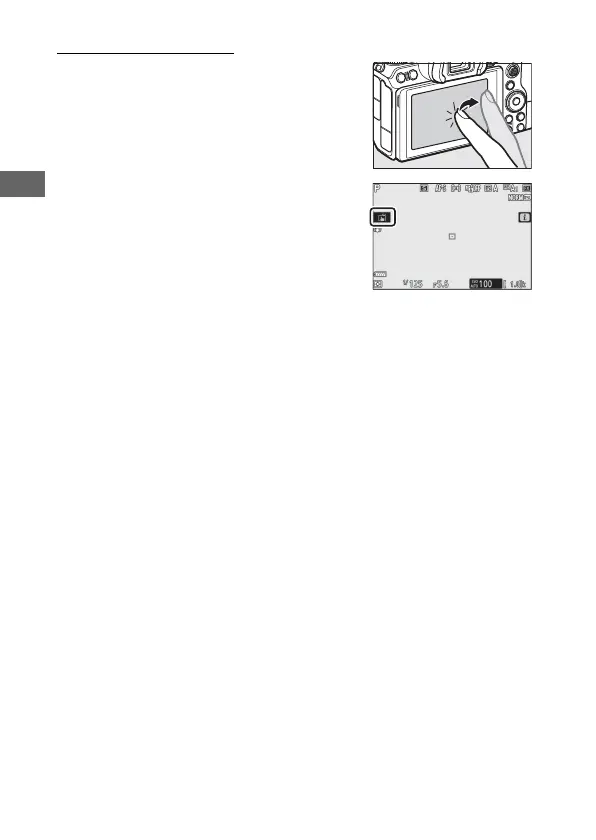
The Touch Shutter
Touch controls can be used to focus and
release the shutter. Touch the display to
focus and lift your finger to release the
shutter.
Tap the icon shown in the illustration to
choose the operation performed by
tapping the display in shooting mode.
Choose from the following options:
• W: Touch the display to position the
focus point and focus (autofocus only;
the touch shutter cannot be used to focus in manual focus
mode). Focus locks while your finger remains on the display; lift
your finger to release the shutter. Available only in photo
mode.
• V: As above, except that lifting your finger from the display
does not release the shutter. If auto-area AF is selected for AF-
area mode, the camera will track the selected subject as it
moves through the frame; to switch to a different subject, tap it
in the display.
• X: Touch shutter disabled.



 To Next Page