10 Getting to Know the Camera
Touch Controls
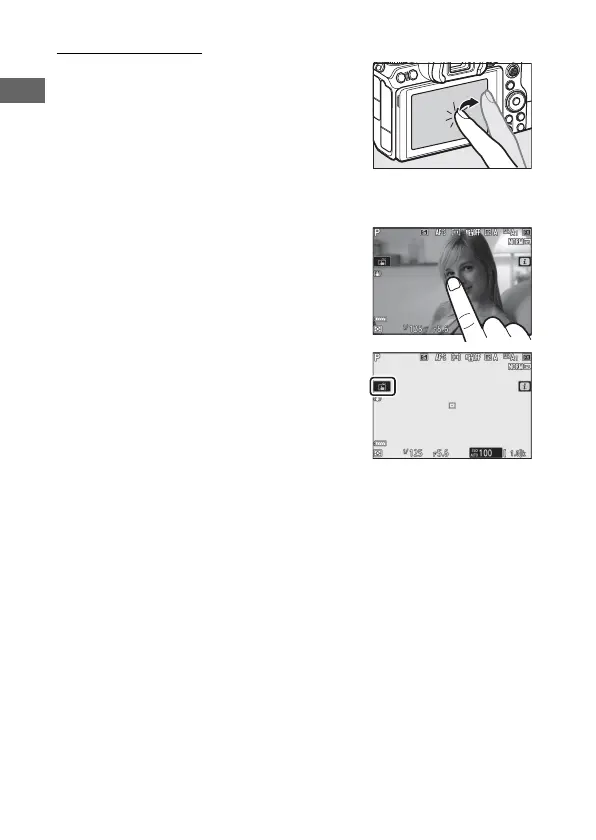
The touch-sensitive monitor can be used
to adjust camera settings, focus and
release the shutter, view photos and
movies, enter text, and navigate the
menus. Touch controls are not available
while the viewfinder is in use.
❚❚ Focusing and Releasing the Shutter
Touch the monitor to focus on the
selected point (touch AF). In photo
mode, the shutter will be released when
you lift your finger from the display
(touch shutter).
Touch AF settings can be adjusted by
tapping the W icon (0 58).



 To Next Page