98 The i Button
White Balance
Adjust white balance (for more information, see “White Balance”,
0 62).
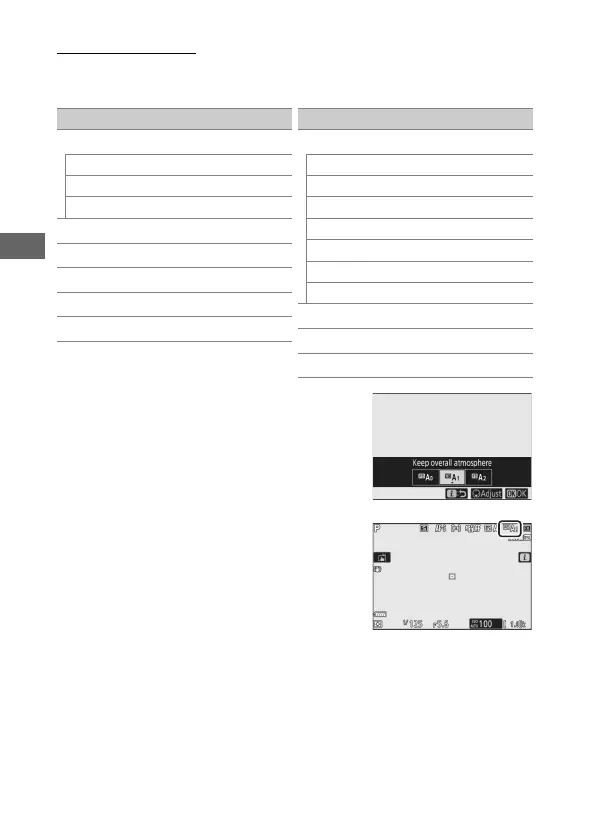
Pressing 3 when Auto or Fluorescent is
highlighted displays sub-options for the
highlighted item.
The current white balance option is
indicated by an icon in the display
during shooting.
Option
4
Auto
Keep white (reduce warm colors)
Keep overall atmosphere
Keep warm lighting colors
D
Natural light auto
H
Direct sunlight
G
Cloudy
M
Shade
J
Incandescent
I
Fluorescent
Sodium-vapor lamps
Warm-white fluorescent
White fluorescent
Cool-white fluorescent
Day white fluorescent
Daylight fluorescent
High temp. mercury-vapor
5
Flash
K
Choose color temperature
L
Preset manual
Option



 To Next Page