111The i Button
Release Mode
Choose the operation performed when the shutter-release
button is pressed all the way down. For more information, see
“The c/E (Release Mode/Self-Timer) Button” (0 82).
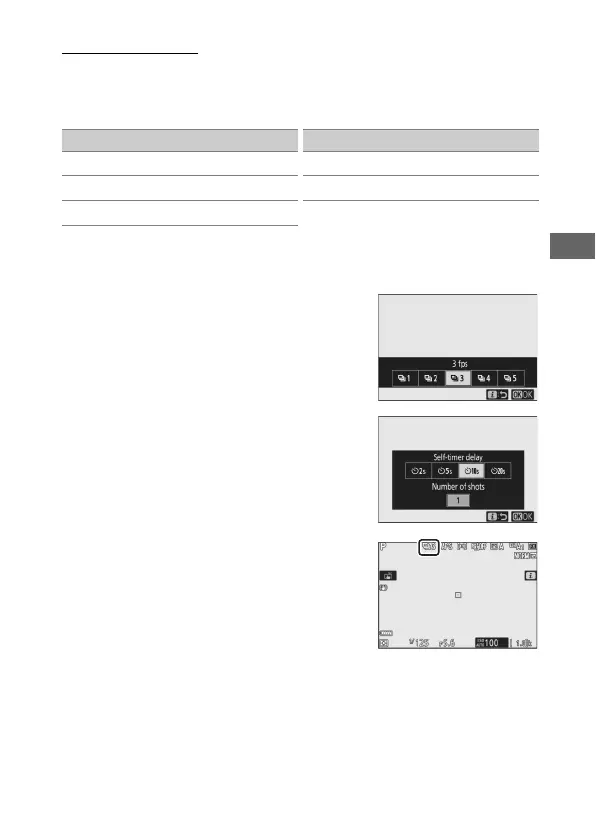
When Continuous L or Self-timer is highlighted, additional
options can be displayed by pressing 3.
Pressing 3 when Continuous L is
highlighted displays frame advance rate
options.
Pressing 3 when Self-timer is
highlighted displays options for the
shutter-release delay and the number of
shots taken when the timer expires.
The current release mode is shown by
icons in the shooting display and control
panel.
Option
U
Single frame
V
Continuous L
W
Continuous H
X
Continuous H (extended)
E
Self-timer
Option



 To Next Page