88 Shooting Controls
❚❚ Locking Focus and Exposure
Follow the steps below to use focus and exposure lock.
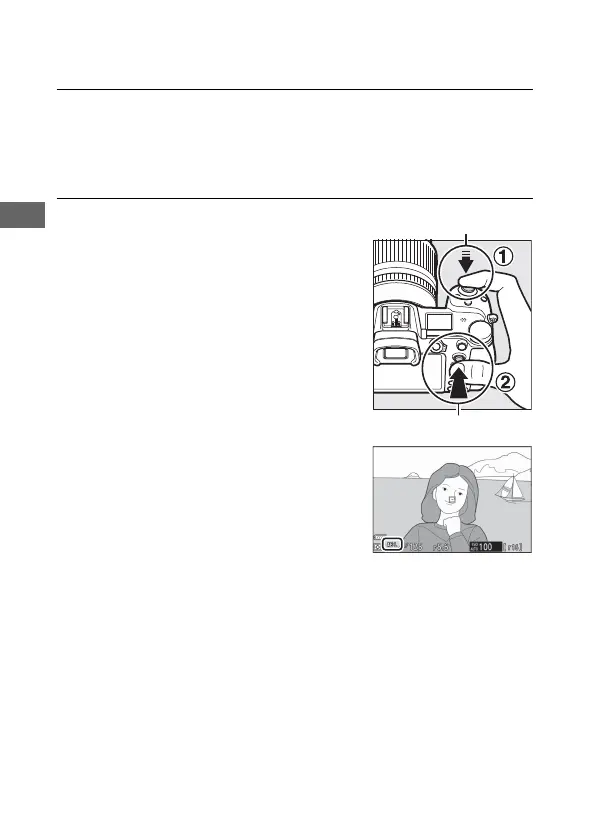
1 Set focus and exposure.
Position the subject in the selected focus point and press the
shutter-release button halfway to set focus and exposure.
Check that the focus point is displayed in green.
2 Lock focus and exposure.
With the shutter-release button
pressed halfway, press the center of
the sub-selector to lock both focus
and exposure (an AE-L icon will be
displayed).
Shutter-release button
Sub-selector



 To Next Page