12 Getting to Know the Camera
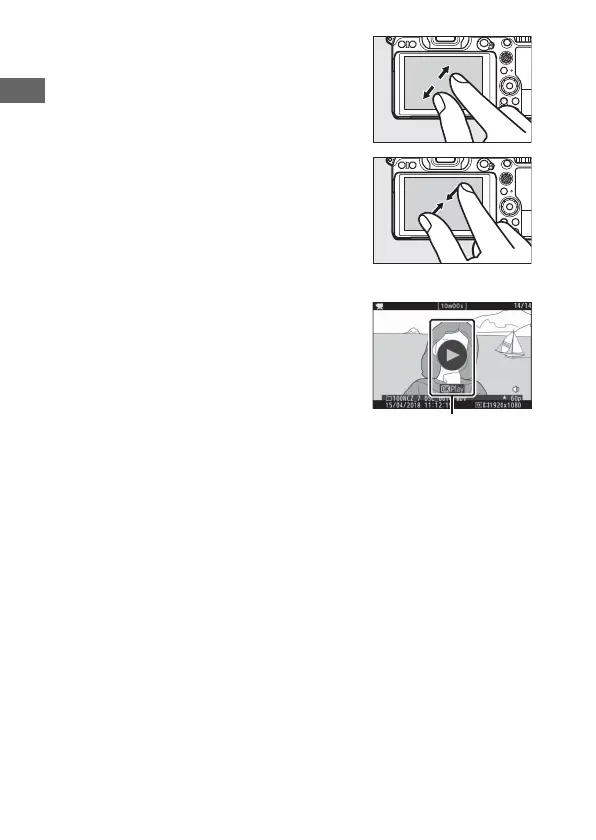
Use stretch and pinch gestures to zoom
in and out and slide to scroll. You can
also give the display two quick taps to
zoom in from full-frame playback or
cancel zoom.
To “zoom out” to a thumbnail view, use a
pinch gesture in full-frame playback. Use
pinch and stretch to choose the number
of images displayed from 4, 9, and 72
frames.
❚❚ Movie Playback
Tap the on-screen guide to start movie
playback (movies are indicated by a 1
icon). Tap the display to pause or resume,
or tap Z to exit to full-frame playback.



 To Next Page