25Getting to Know the Camera
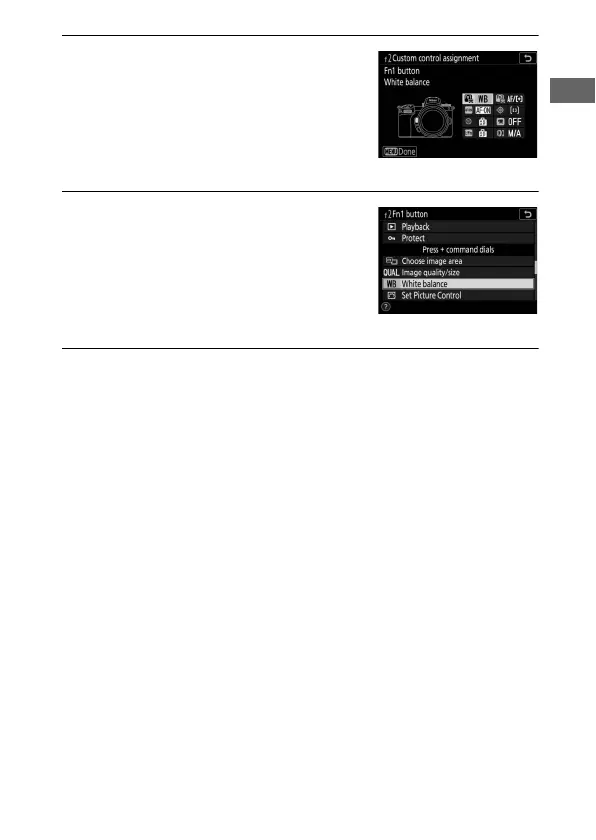
2 Choose a button.
Highlight the option for the desired
button and press J. Select Fn1
button to choose the role played by
the Fn1 button, Fn2 button to choose
the role played by the Fn2 button.
3 Choose an option.
Highlight an option and press J to
assign it to the selected button and
return to the menu displayed in Step
2. Repeat Steps 2 and 3 to choose the
role played by the remaining button.
4 Exit.
Press the G button to save changes and exit.



 To Next Page