44 Basic Photography and Playback
7 Shoot.
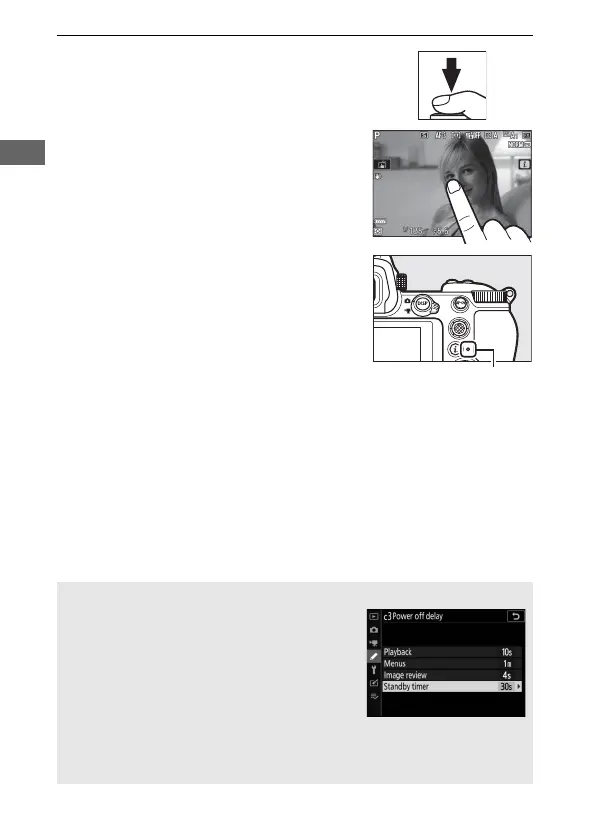
Smoothly press the shutter-release
button the rest of the way down to
take the photograph (you can also
take a photograph by touching the
monitor: touch your subject to focus
and lift your finger to release the
shutter). The memory card access
lamp will light while the photo is
recorded to the memory card. Do not
eject the memory card or remove or
disconnect the power source until the
lamp has gone out and recording is
complete.
D The Standby Timer
If no operations are performed for about
30 seconds, the display will dim for a few
seconds before the monitor, viewfinder, and
control panel turn off to reduce the drain on
the battery. Press the shutter-release button
halfway to reactivate the display. The length
of time before the standby timer expires
automatically can be selected using Custom Setting c3 (Power off
delay)> Standby timer.



 To Next Page