74 Shooting Controls
5 Save user settings.
Highlight Save settings and press J to assign the settings
selected in Steps 1 and 2 to the mode dial position selected in
Step 4.
❚❚ Recalling User Settings
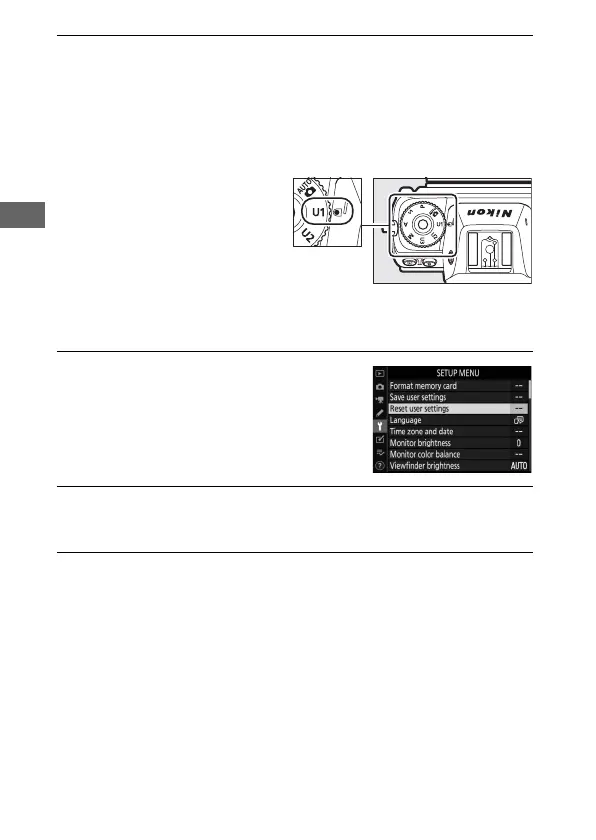
Rotating the mode dial to U1,
U2, or U3 recalls the settings
last saved to that position.
❚❚ Resetting User Settings
To reset settings for U1, U2, or U3 to default values:
1 Select Reset user settings.
Highlight Reset user settings in the
setup menu and press 2.
2 Select a position.
Highlight Reset U1, Reset U2, or Reset U3 and press 2.
3 Reset user settings.
Highlight Reset and press J to restore default settings for
the selected position. The camera will function in mode P.



 To Next Page