36
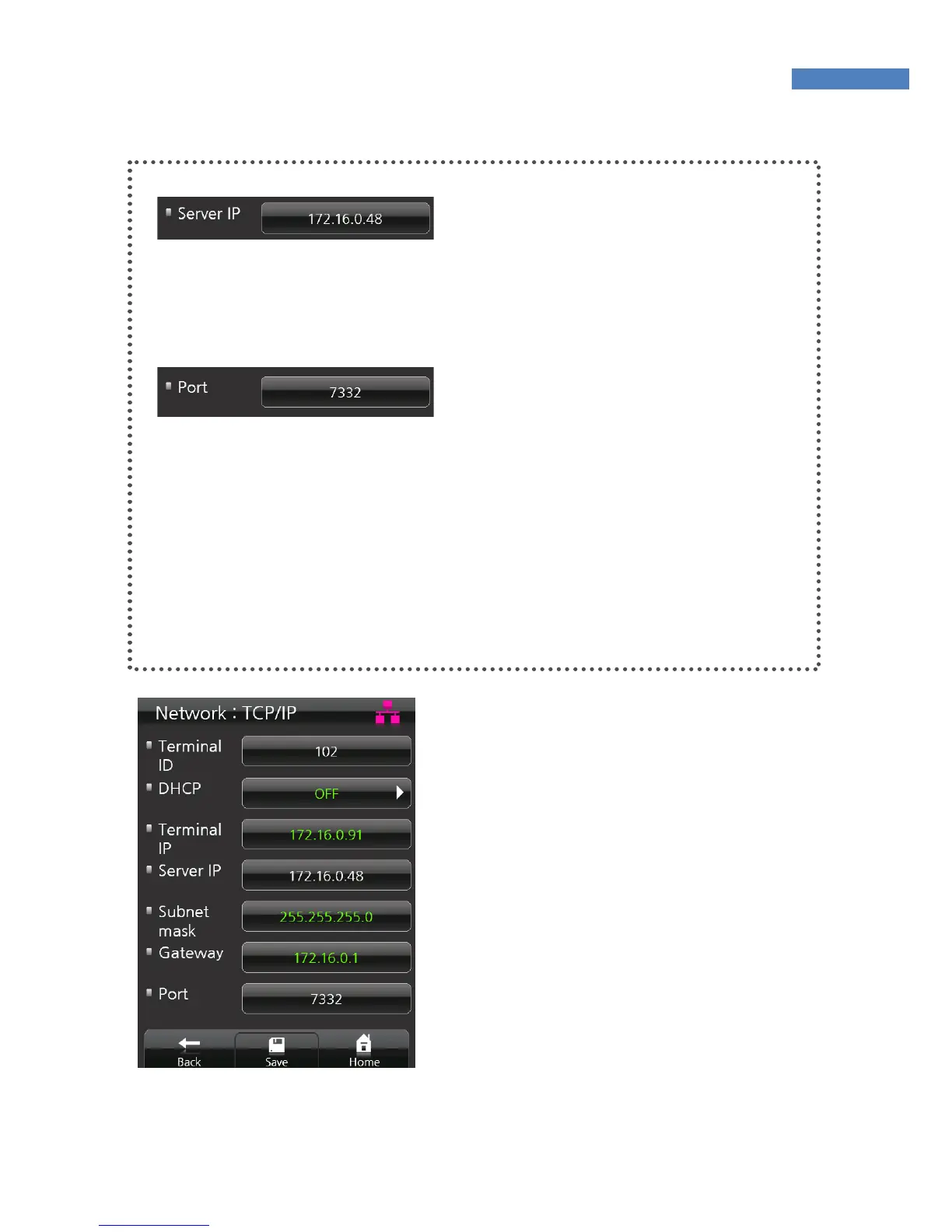
Server IP Setting
Enter the IP of the server with
AccessManager Professional
installed. When inputting the server
IP, touch “.” to move to the next field.
Port Setting
Enter the port number to be used for
communication between the server
and the terminal. The default value
is “7332” and the user can choose
between 2000 and 65535. When
changing the port data in the
terminal, change the communication
setting of AccessManager
Professional accordingly.
4. If the DHCP option is deactivated,
the terminal IP, subnet mask, and
gateway must be inputted
manually. For more information,
contact the service team.
5. Save the network setting data by
pressing “Save” at the bottom of
the screen.



 To Next Page