42
Card
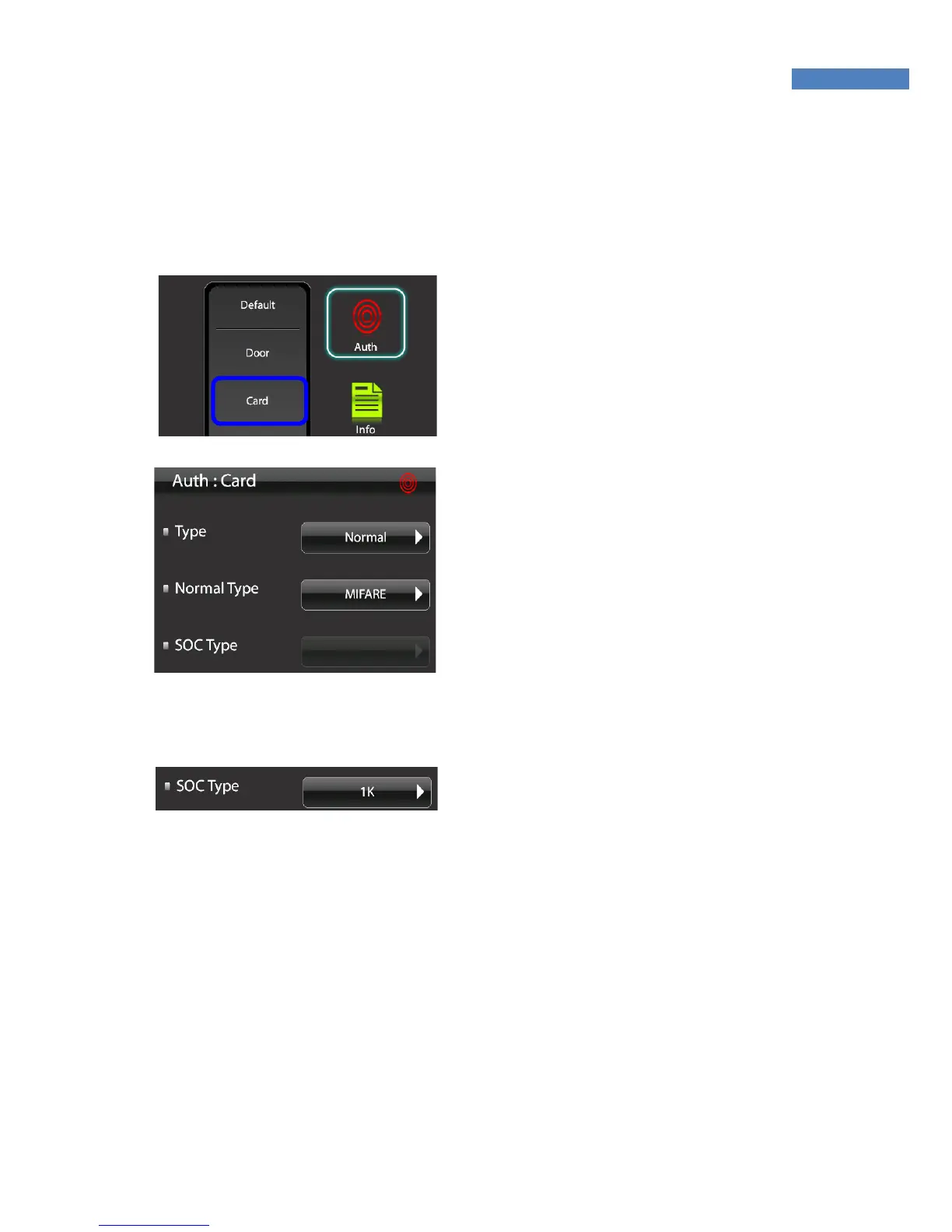
To use card authentication to authenticate users, do the following.
The card authentication type has normal and SOC modes.
1. To use card authentication, select
“Authentication” -> “Card”.
2. Press “Card Type” and change
“Disable” into “Normal.”
3. Select the card type – MIFARE,
HID35Bit, HID/EM26Bit,
HID37Bit or SOC. (At present,
MIFARE and HID/EM 26Bit are
supported )
If SOC was selected, the “SOC
Type” menu will be activated.
Select “1K” or “4K” depending on
the SOC Card type to use.



 To Next Page