45
Sensor
Settings related to fingerprint sensor options such as sensor type,
fingerprint capture time, LFD precision, and sensor brightness can
be configured. If the options are set to the terminal’s default values,
the settings will apply to all users who didn’t make individual sensor
configurations when registering.
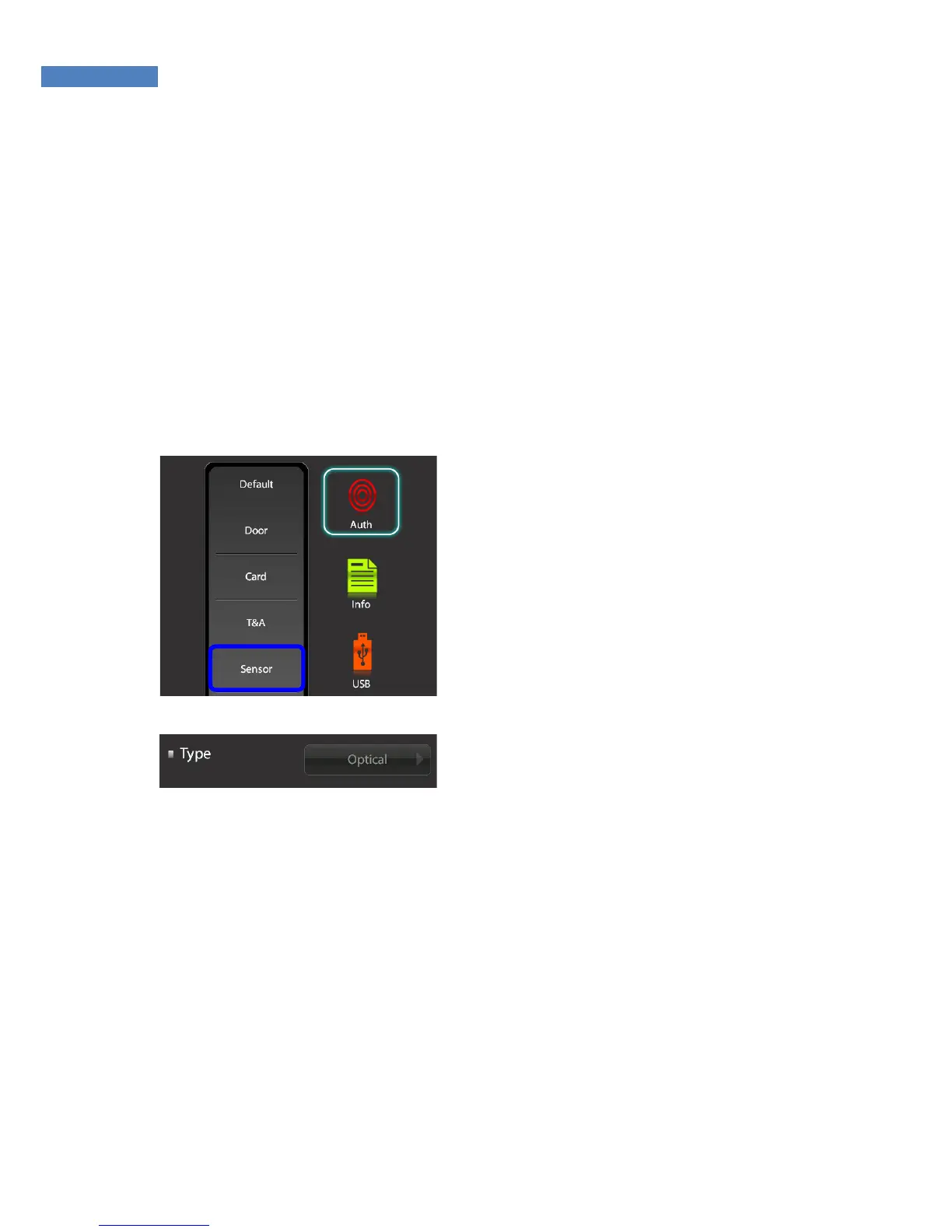
Sensor Type
1. To change the sensor type,
select “Authentication” ->
“Sensor”.
2. Select “Type” -> ”Optical”, and
select the sensor type: optical or
semiconductor. At present, only
the optical type is available and
the semiconductor type will soon
be supported.



 To Next Page