34 / 76 ♦ BKI16ATEX0018X ♦ htk4014a0600p_03
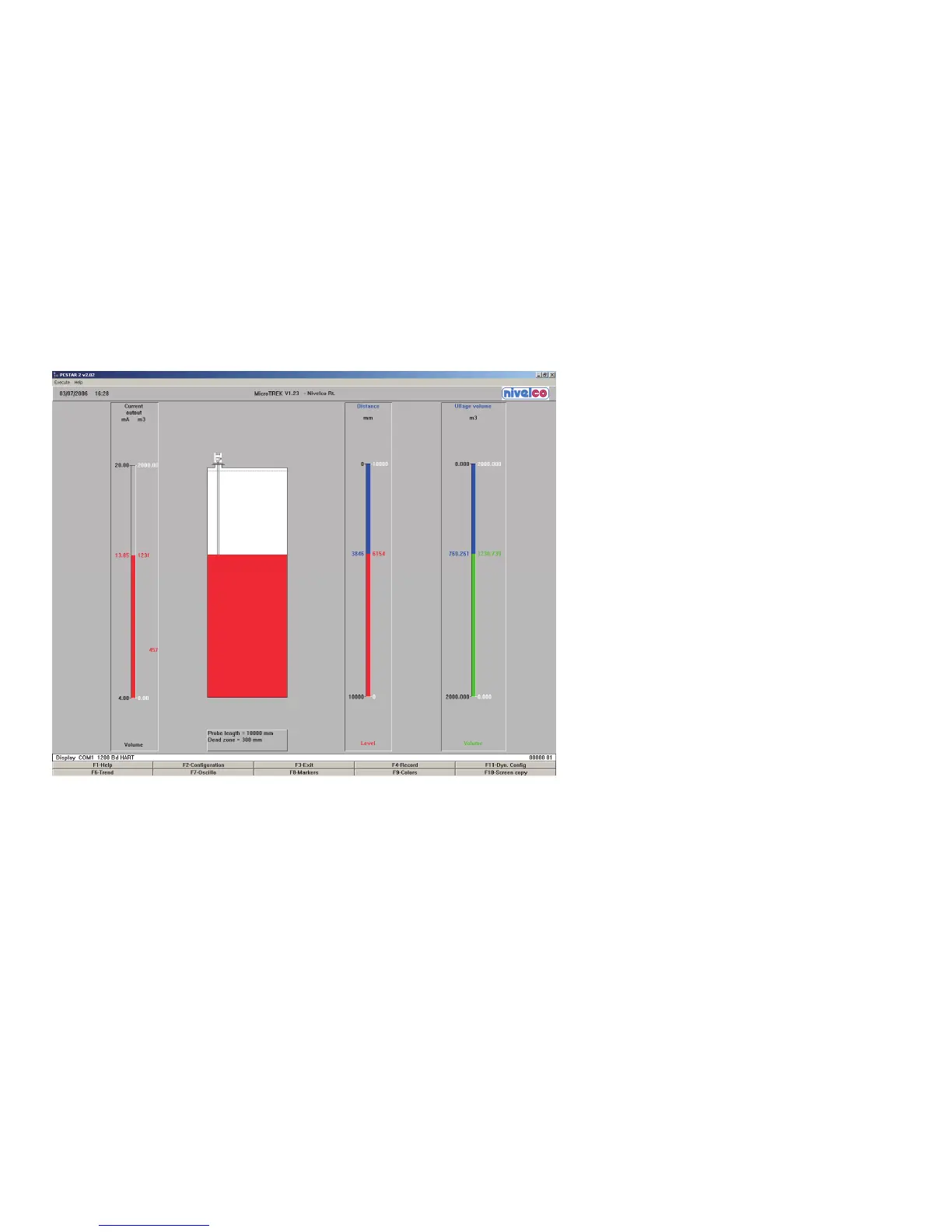
After the connection has been established, the following screen is shown. This will show the current status of the tank.
No further configuration should be necessary. The following functions are available on the screen and will be discussed further in section 8.4:
F2 – Device configuration: a summary of the
parameters are given on the next page
F7 – Oscilloscope function: displays all reflections
detected by the probe
F11 – Dynamic/on-line device configuration
F4 – View and record all information during
operation
F6 – Trend: observe the level trend since start of
the program
F8 – Marker: read the status of the device
F10 – make printouts (screenshots).


 To Next Page