5
Getting Started
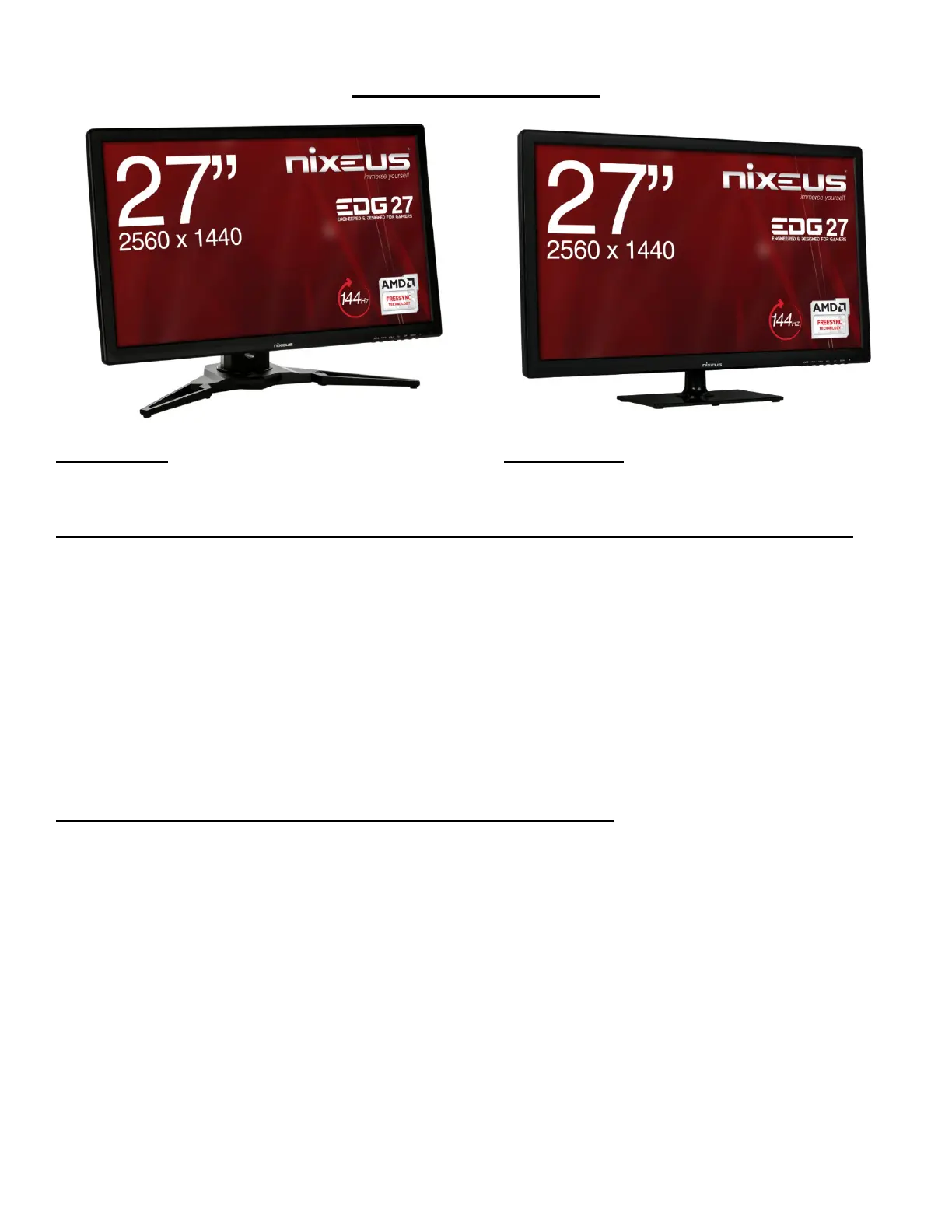
NX-EDG27 NX-EDG27S
Box Contents: for NX-EDG27 (With Height Adjustable, Pivot, Tilt, and Swivel Stand)
• Nixeus EDG 27” IPS 2560x1440 AMD FreeSync 144Hz Gaming Monitor (NX-EDG27)
• Stand Base x 1 (with 4 screws)
• Stand Shaft x 1 (with 4 screws) - preinstalled.
• DisplayPort to DisplayPort Cable x 1
• Power Adapter & Power Cable x 1
• NX-EDG27 Quick Start Guide
• 3.5mm AUX Audio Cable
Installing Base Stand: (Tools needed – Philips Screw Driver)
Please refer to quick start guide for installation of Stand Base and Stand Shaft.
Box Contents: for NX-EDG27S (With Base Tilt Only Stand)
• Nixeus EDG 27” IPS 2560x1440 AMD FreeSync 144Hz Gaming Monitor (NX-EDG27S)
• Stand Base x 1 (with 1 screw)
• Stand Shaft x 1 (with 4 screws) - preinstalled.
• DisplayPort to DisplayPort Cable x 1
• Power Adapter & Power Cable x 1
• NX-EDG27 Quick Start Guide
• 3.5mm AUX Audio Cable
Installing Base Stand: (Tools needed – Philips Screw Driver)
Please refer to quick start guide for installation of Stand Base and Stand Shaft.
NOTE: Both the NX-EDG27 and NX-EDG27S stands are removable to allow for 100%
compatibility with 3rd Party Custom VESA Display Mounting Solutions.


 To Next Page