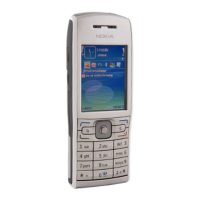
Play a song
Select Menu > Media > Music player.
To add all available songs to the music library, select Options > Refresh library.
To play a song, select the desired category, and the song.
To pause playback, press the scroll key; to resume, press the scroll key again. To
stop playback, scroll down.
To fast-forward or rewind, press and hold the scroll key to the right or left.
To skip to the next item, scroll right. To return to the beginning of the item, scroll
left. To skip to the previous item, scroll left again within 2 seconds after a song has
started.
To modify the tone of the music playback, select Options > Equalizer.
To modify the balance and stereo image, or to enhance the bass, select Options >
Settings.
To return to the home screen and leave the player playing in the background, press
the end key briefly.
Warning:
Continuous exposure to high volume may damage your hearing. Listen to music at
a moderate level, and do not hold the device near your ear when the loudspeaker
is in use.
160 Media



 To Next Page