User Guide Connecting devices to the FastMile 5G Gateway 2
3TG-02464-AAAA-TCZZA-01 © 2022 Nokia. Nokia Confidential Information
Use subject to agreed restrictions on disclosure and use.
23
Connecting devices to the FastMile 5G
Gateway 2
Connecting Wi-Fi devices to the FastMile 5G
Gateway 2
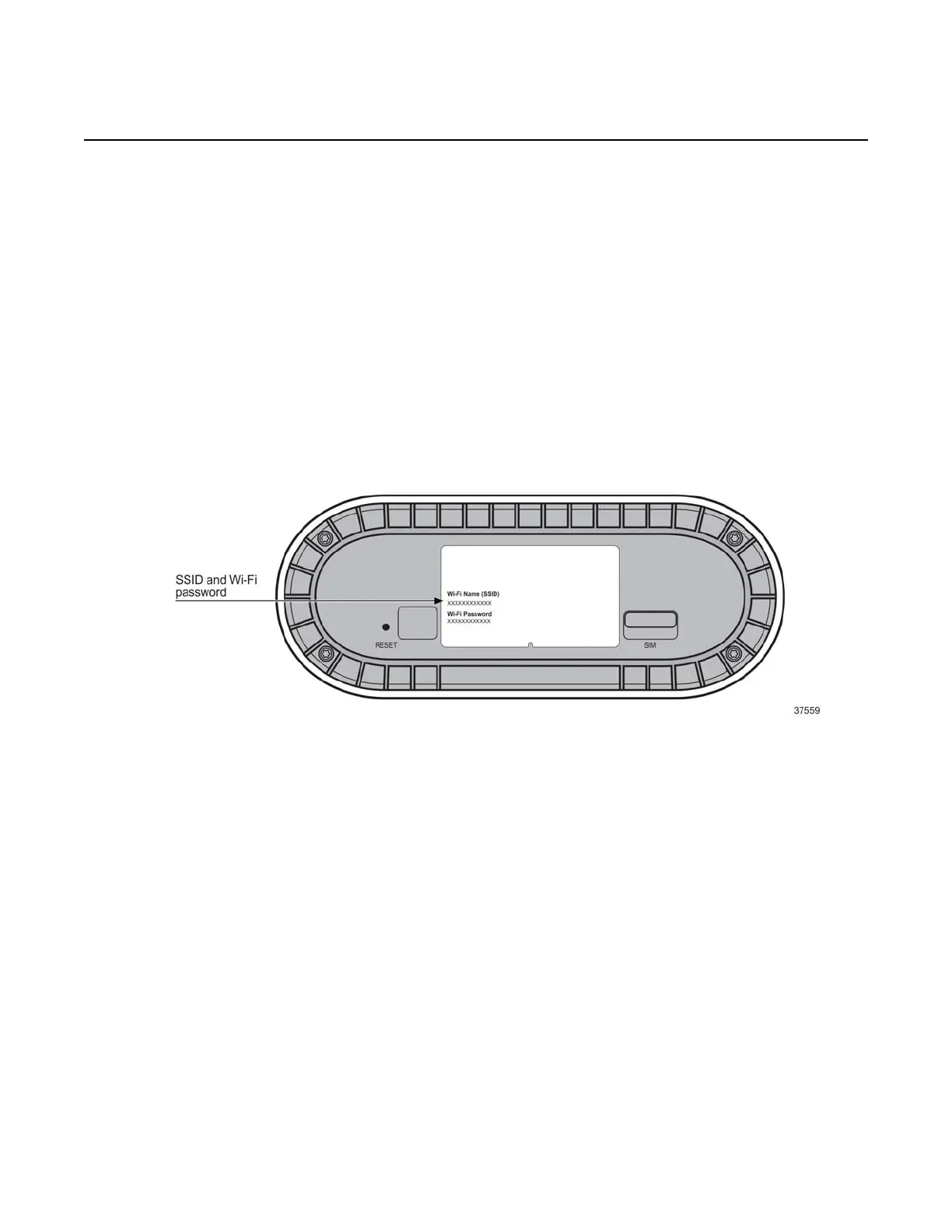
Connect Wi-Fi devices to your FastMile 5G Gateway 2 by using the SSID and Wi-Fi
password information on the label on the underneath of your FastMile 5G Gateway 2.
Figure 12 Location of the SSID and WiFi password
The SSID format may differ per service provider specific requirements.
Connecting an Ethernet LAN to the FastMile 5G
Gateway 2
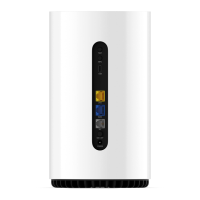
You can connect a Gigabit Ethernet LAN to the FastMile 5G Gateway 2 by
connecting the cable from the LAN to the LAN port on the back of the FastMile 5G
Gateway 2.


 To Next Page