User Guide WebUI screen hierarchy
3TG-02464-AAAA-TCZZA-01 © 2022 Nokia. Nokia Confidential Information
Use subject to agreed restrictions on disclosure and use.
31
WebUI screen hierarchy
The figures in this chapter illustrate the WebUI hierarchy to help you quickly navigate
to the WebUI screen that has a configuration task or other task that you may need to
complete for the FastMile 5G Gateway 2.
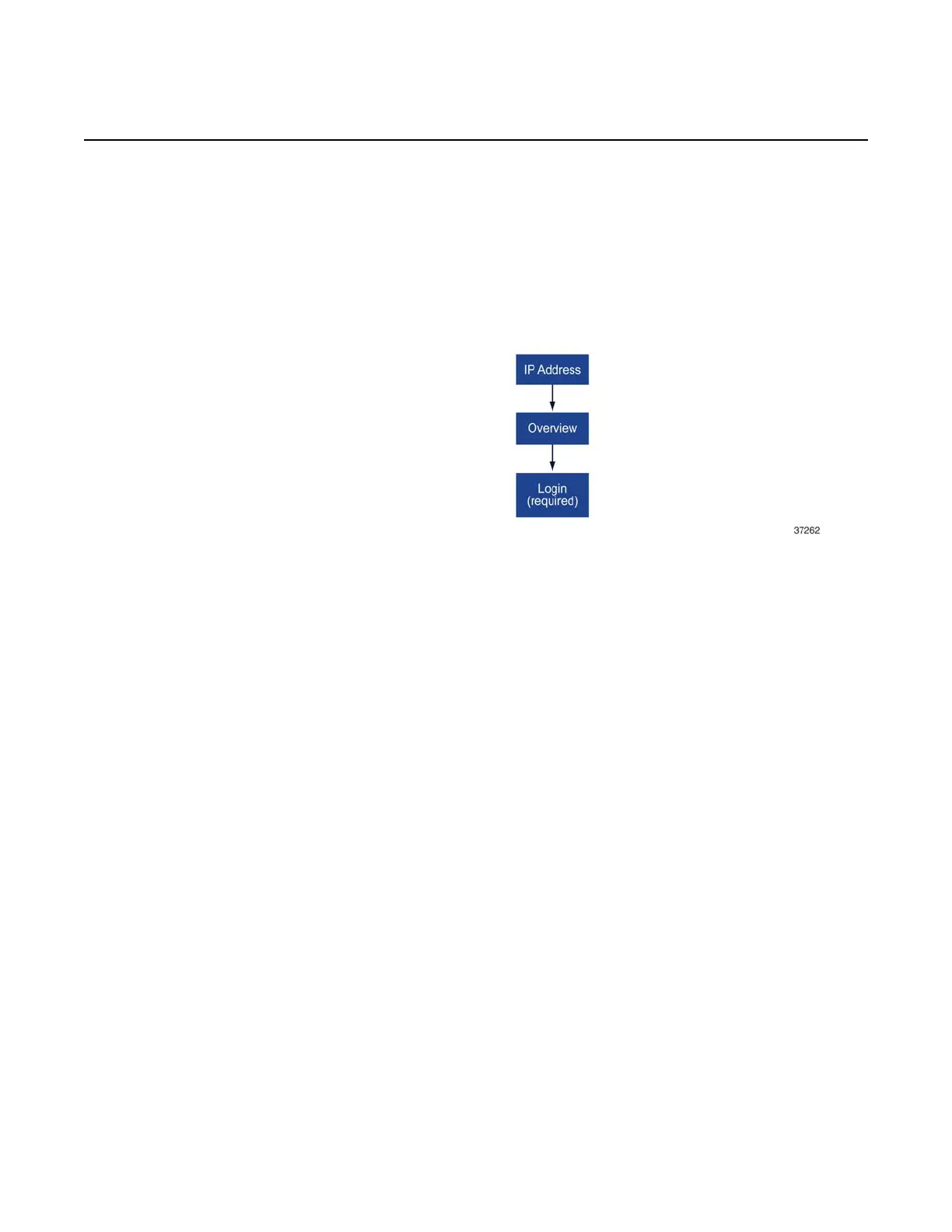
Figure 16 Main menu hierarchy
Logging in allows you to access and use the following screens from the WebUI main
menu:
• status
• statistics
• messages
•network
• application
• security
• diagnostics
• system
All of the above screens have menu options, which are illustrated in the following
sections that have figures that show the hierarchy for each of the above screens.
Status screen hierarchy
The status screen provides the following menu options:


 To Next Page