User Guide Troubleshooting
3TG-02464-AAAA-TCZZA-01 © 2022 Nokia. Nokia Confidential Information
Use subject to agreed restrictions on disclosure and use.
77
• move the FastMile 5G Gateway 2 (with the power adapter) to a different location,
for example, the other side of the room or a higher position
• connect the power adapter to an electrical outlet at the new location and power
the FastMile 5G Gateway 2 on
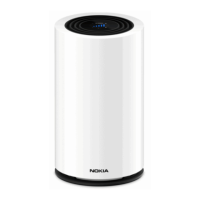
• check the LED as described in Understanding the LED colors to determine the
signal quality in the new location and follow the recommended actions in the
section
Once you have a good signal, it is important that you do not reposition or rotate the
FastMile 5G Gateway 2.
Reboot by using the power button
You can reboot the FastMile 5G Gateway 2 through its power button or through its
reset button. Configured settings are preserved for a reboot.
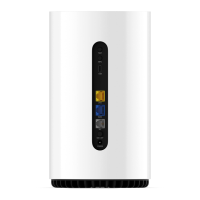
The power on/off button is located on the back of the FastMile 5G Gateway 2.
Note: You may need to repeat the above steps several times before finding the final location
for the FastMile 5G Gateway 2.


 To Next Page