Troubleshooting
76
User Guide
© 2022 Nokia. Nokia Confidential Information
Use subject to agreed restrictions on disclosure and use.
3TG-02464-AAAA-TCZZA-01
Repositioning for a better signal
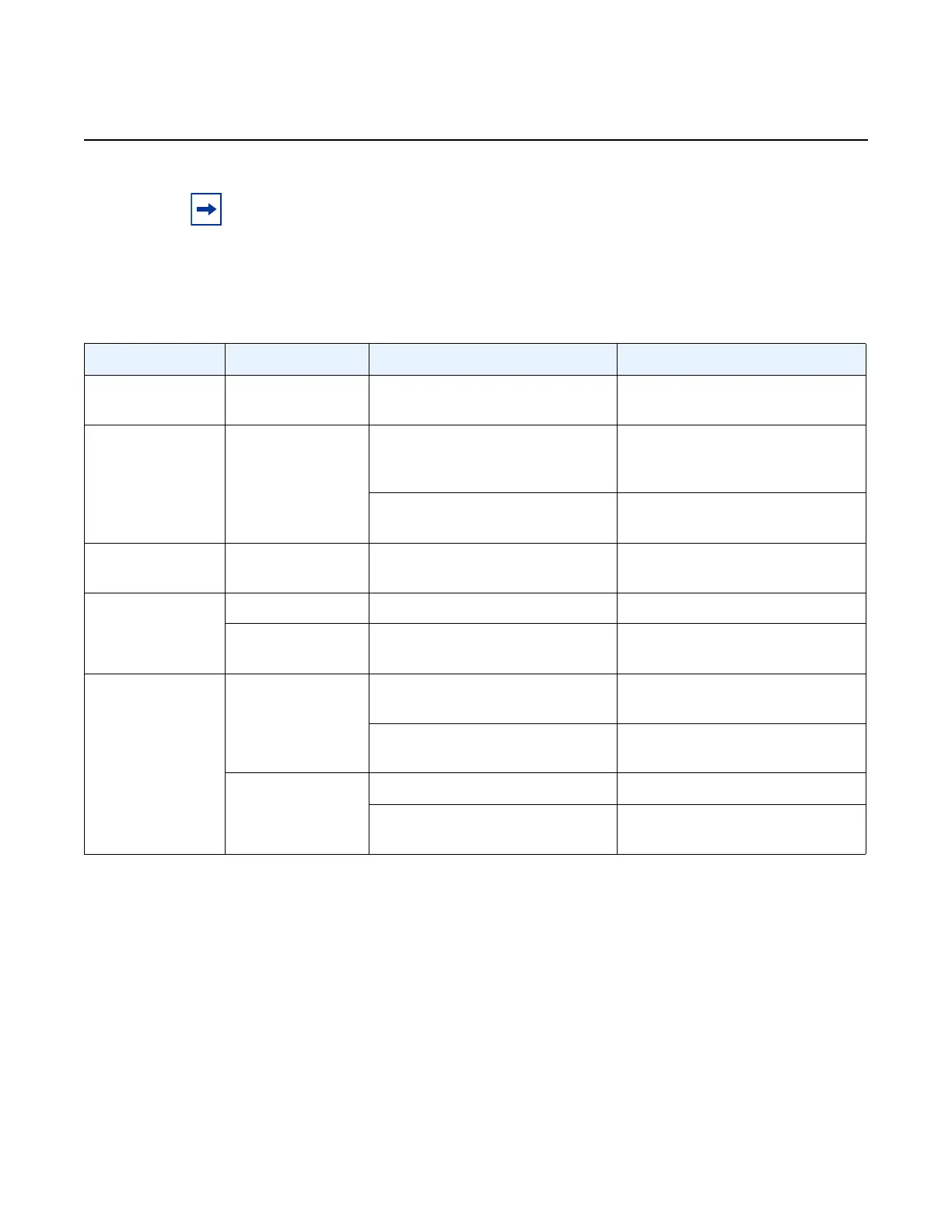
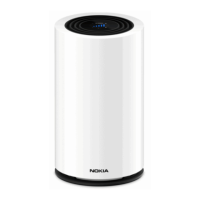
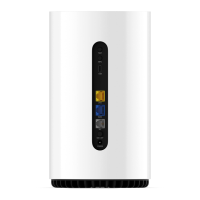
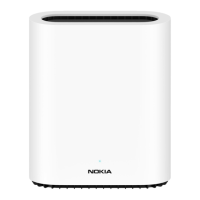
If you need to reposition the FastMile 5G Gateway 2 for a better signal, do the
following:
• power off the FastMile 5G Gateway 2
• disconnect the power adapter from the electrical outlet
Note: LED indications can change over time due to variable 4G/LTE and or 5G signal
conditions.
If thresholds have been changed during pre-configuration by your service provider, the LED
indications might be different.
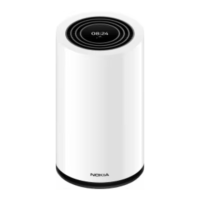
Table 1 LED behavior
LED color LED behavior What it means What you may consider doing
No color Off No power Connect the FastMile 5G
Gateway 2 to power
White Fast blinking Signal test in progress (cell
measurement is triggered via the
Wi-Fi Mobile App)
Do nothing
Factory reset will start when the
reset button is released
Do nothing
Green Solid Good 4G/LTE or 5G connection Finish off the installation process
if applicable
Yellow Blinking Part of the start up sequence Do nothing
Solid Medium 4G or 5G connection Reposition the FastMile 5G
Gateway 2
Red Blinking Reset to factory settings in
progress
Do nothing, as the FastMile 5G
Gateway 2 is being reset
One or more critical alarms Resolve the alarm condition: do a
reboot to clear the alarm
Solid Missing or incorrect SIM card Insert the SIM card or replace it
Poor 4G or 5G connection Reposition the FastMile 5G
Gateway 2


 To Next Page