WebUI screens
48
User Guide
© 2022 Nokia. Nokia Confidential Information
Use subject to agreed restrictions on disclosure and use.
3TG-02464-AAAA-TCZZA-01
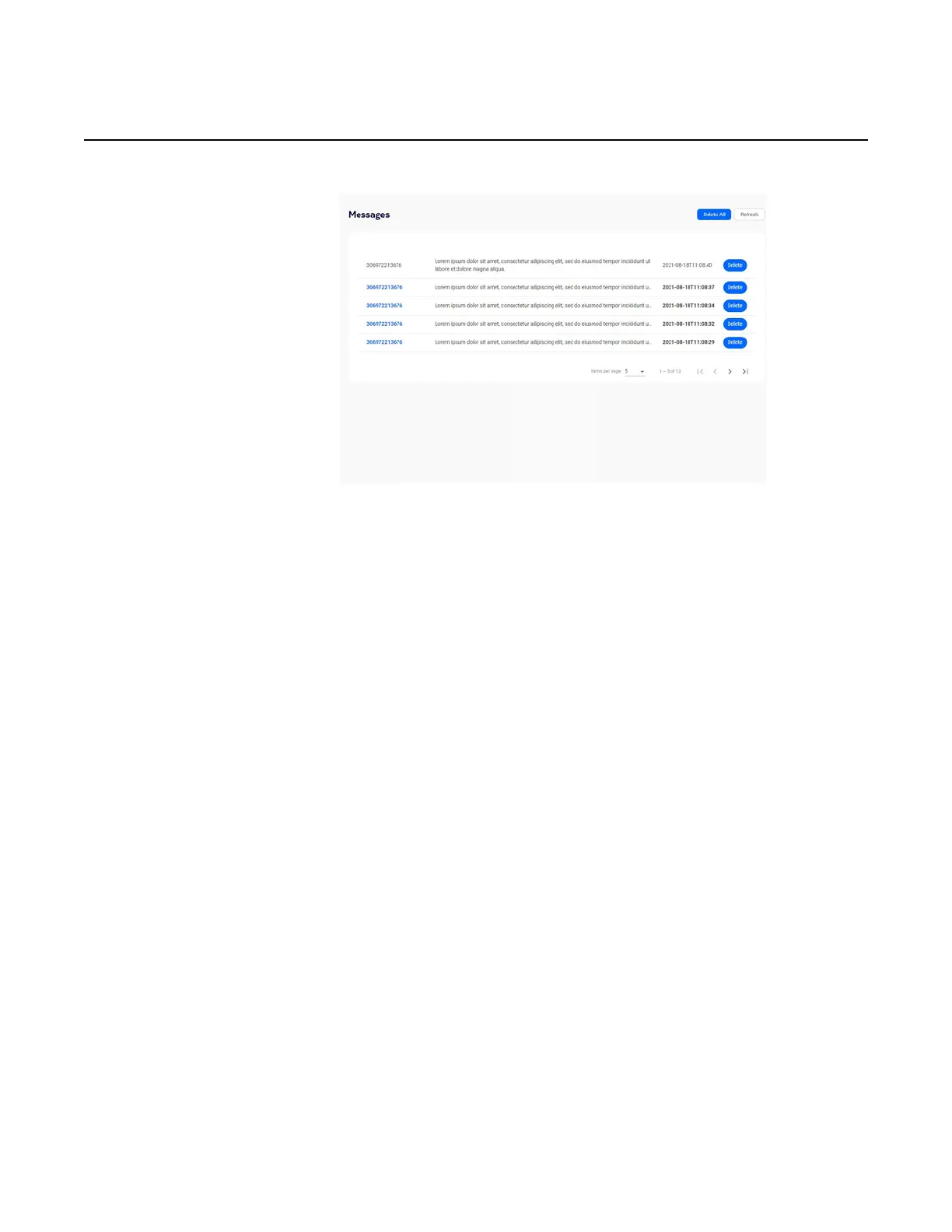
Figure 32 Messages screen example
Network screen
From the WebUI left-side menu, select Network to manage the following:
• Wi-Fi networks (2.4 GHz and 5 GHz networks) and Wi-Fi schedule
• cellular (APN - Access Point Name)
• static routes
• LAN settings (LAN and LAN IPv6)
• connected devices
Wi-Fi networks
From the network menu, select Wi-Fi networks.
The 2.4 GHz, 5 GHz, and Wi-Fi schedule menu options appear in the FastMile 5G
Gateway 2 WebUI menu.
2.4 GHz (network settings)
Click 2.4 GHz.


 To Next Page