61
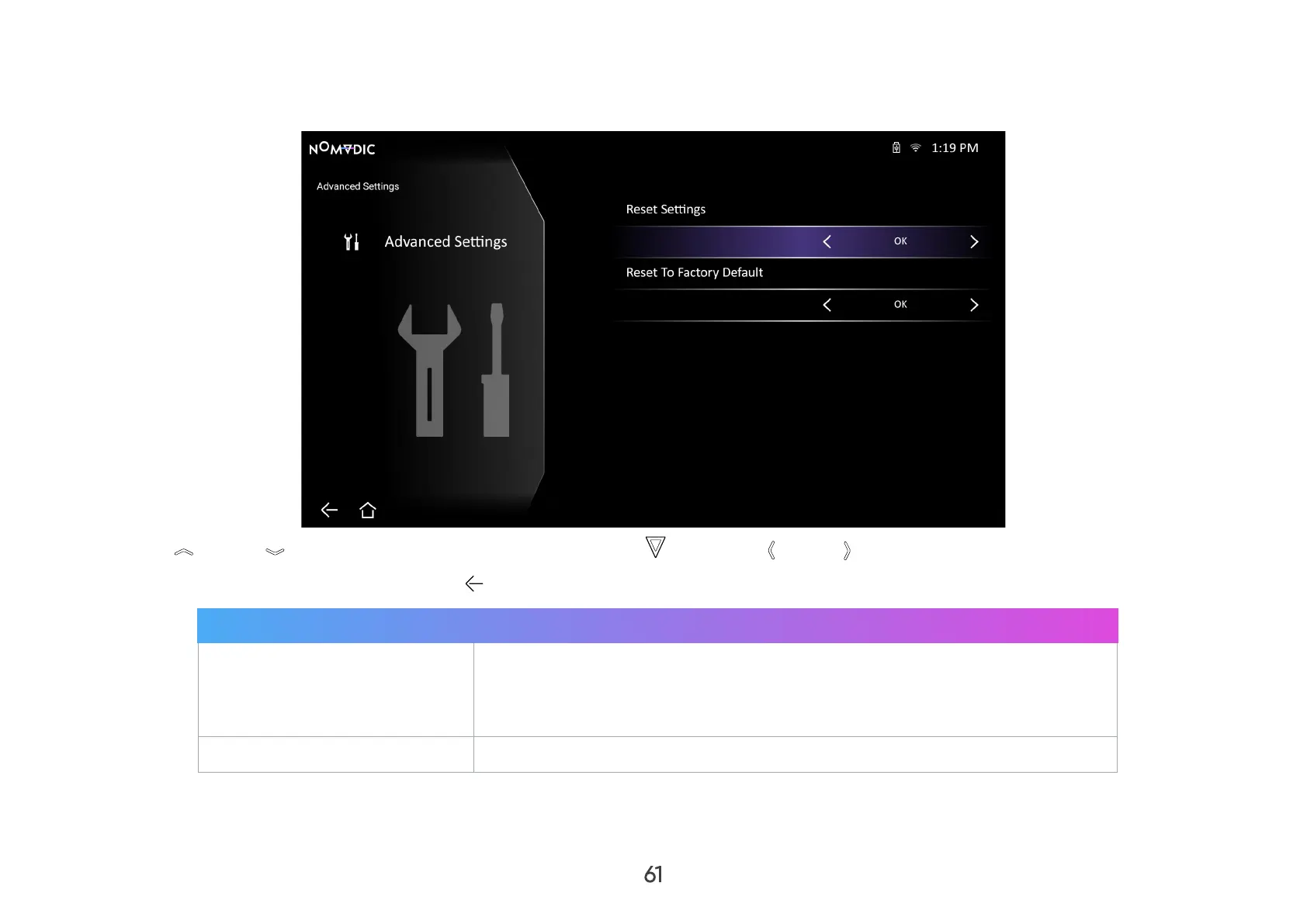
Advanced Settings
1. Go to: Home > Settings > Advanced Settings.
2. Use Up / Down to select the desired option and press OK , or use Left / Right to make adjustments or selections.
3. To return to a previous menu press Return .
Menu Description
Reset Settings
Resets the Bluetooth/Wi-Fi settings and some other settings to default.
NOTE: Language, all installed apps in the AppsCenter, and Add App
will remain unchanged.
Reset to Factory Default Factory reset.



 To Next Page