62
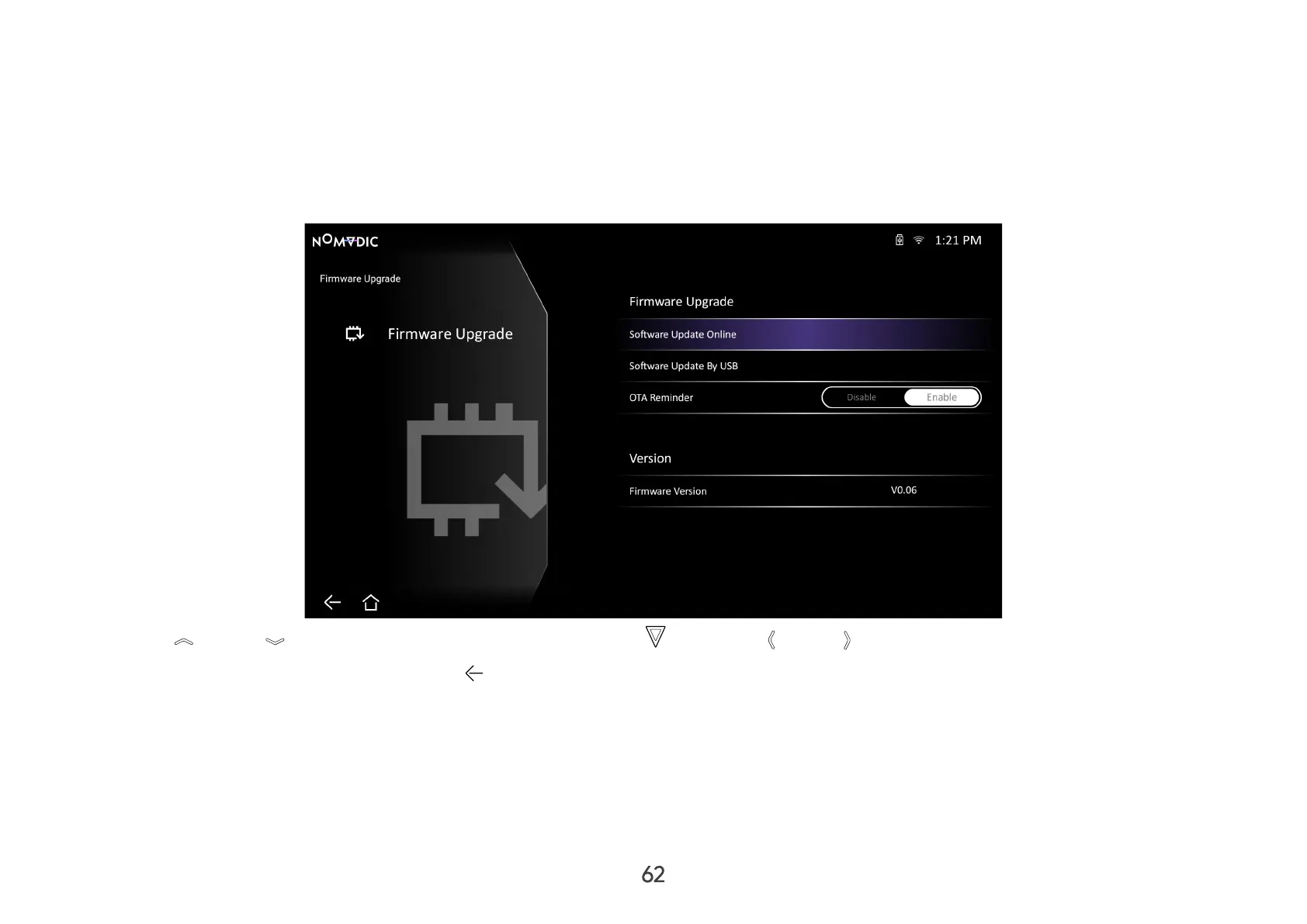
Firmware Upgrade
You can update the rmware online, or by USB, and check the version number.
NOTE: Do not unplug the power cord, USB, or disconnect from the Internet during the upgrading process.
1. Before entering the Firmware Upgrade menu, ensure the projector is connected to the Internet.
2. Go to: Home > Settings > Firmware Upgrade.
3. Use Up / Down to select the desired option and press OK , or use Left / Right to make adjustments or selections.
4. To return to a previous menu press Return .



 To Next Page