1
NORAM 65ET GRADER
2-34
General Information
2
Electronic Display
Contrast Adjustment
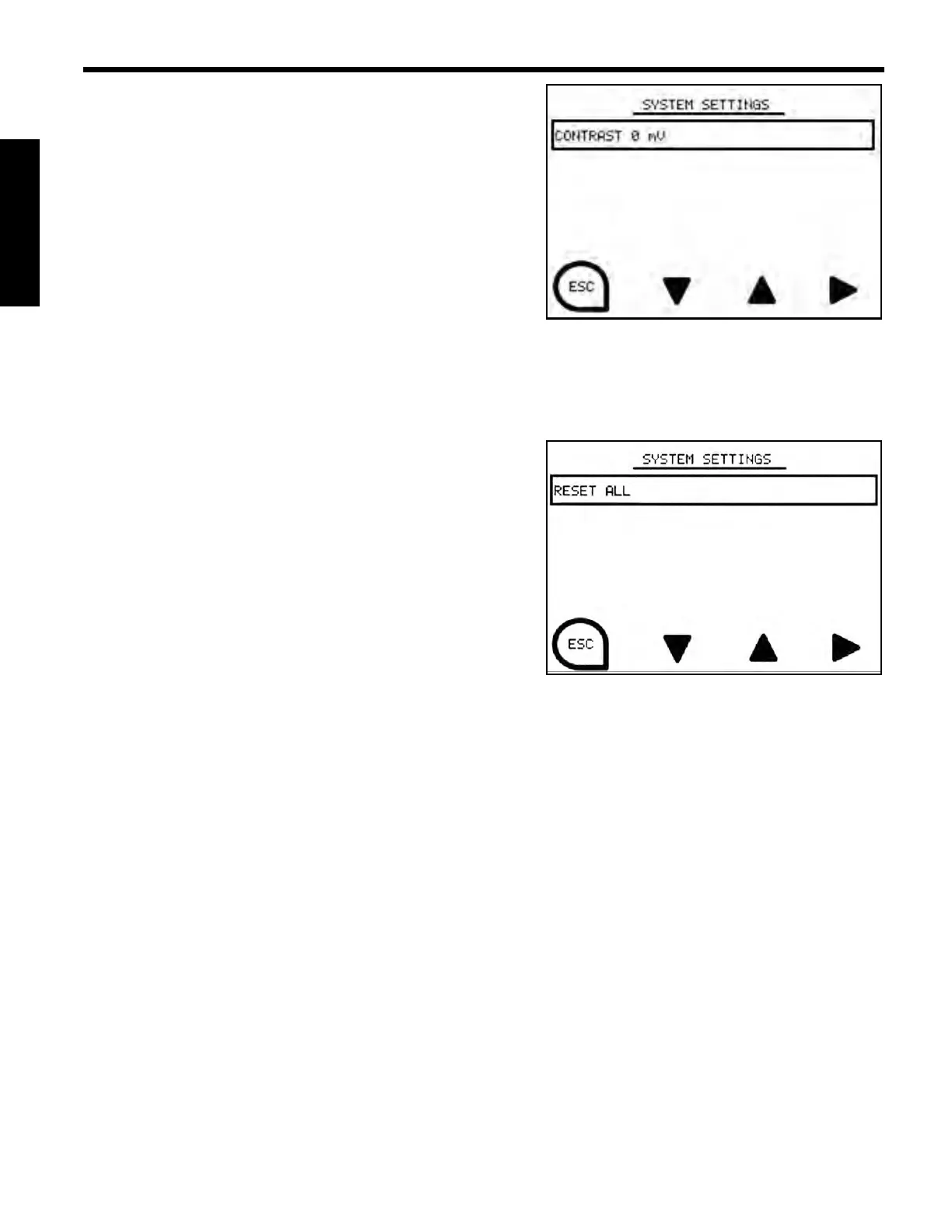
The Contrast Adjustment Option allows the user to
change the contrast of the display screen. To activate,
press the Control Keys associated with the up or down
arrows, followed by the right arrow to select desired
setting.
Press the Control Key associated with the “ESC” icon to
return to the Menu Screen.
Arrow up for darker contrast, arrow down for lighter
contrast.
Reset All
The Reset All Option resets all settings to the default
settings. To activate, press the Control Keys associated
with the right arrow. Selection box will display during the
reset process, once process is complete the selection box
will no longer be present.
Press the Control Key associated with the “ESC” icon to
return to the Menu Screen.



 To Next Page