Page 90 957 Operator’s Manual, Rev. B
Chapter 7 - Understanding the Routes Function
To begin saving a route as you travel:
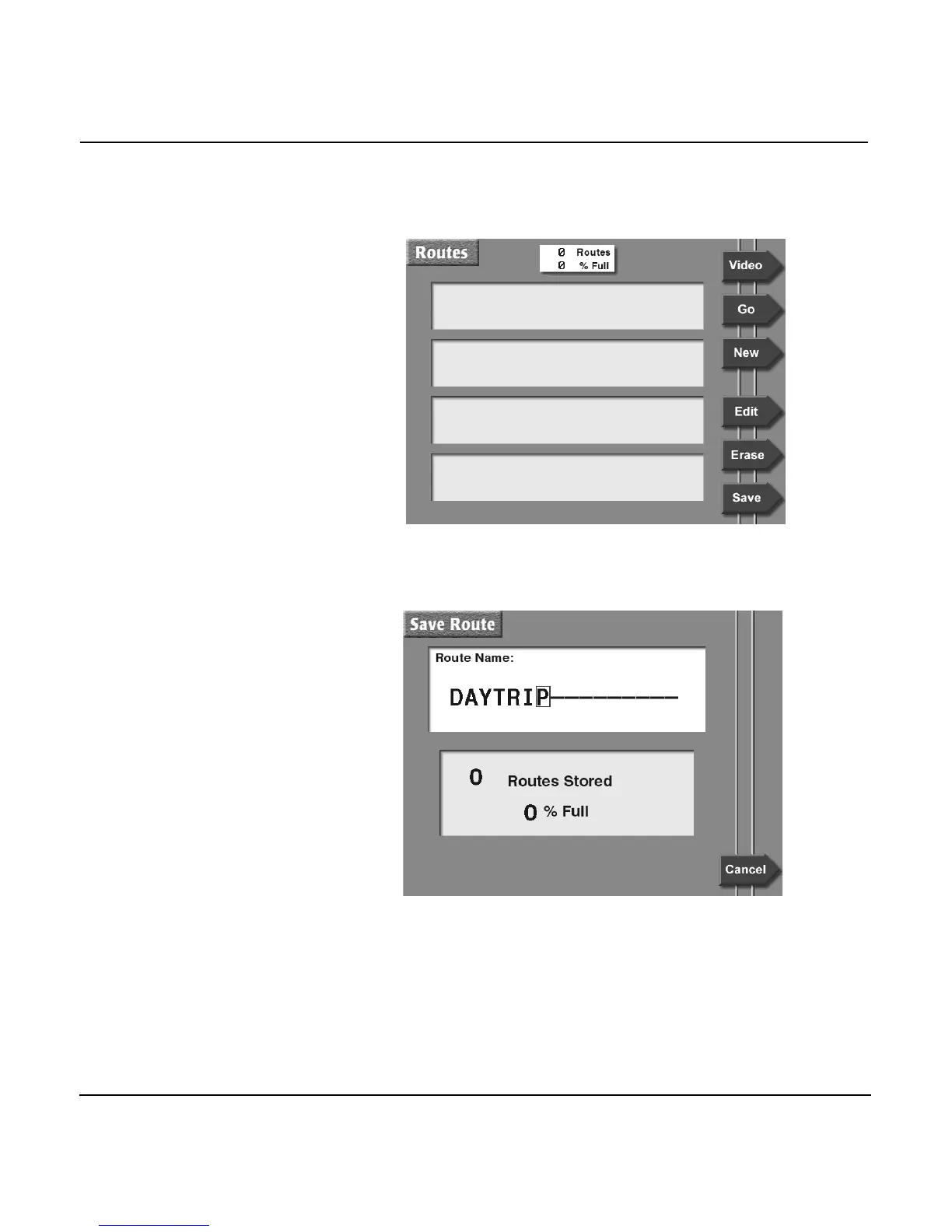
1. Press the WAYPTS/ROUTES key, and then press the
ROUTES menu key to display the ROUTES screen:
2. Press the SAVE menu key to begin saving a route auto-
matically. The SAVE ROUTE screen is displayed, asking
you to enter the name of the new route to be saved.
3. Enter the name of the new route to be saved using the
KEYPAD and CURSOR PAD, then press the ENTER key.
The 957 displays the message SAVING TO: ROUTE NAME
at the bottom of the ROUTES screen, confirming that your
route is now being saved.



 To Next Page