MX40 Pro LED Display Controller User Manual
7 Device Management
7.1 Switch Working Mode
Set the device working mode to All-In-One Controller or Send-Only C.
On the main menu screen, choose System Settings > Working Mode.
Figure 7-1 Working mode
Select All-In-One Controller or Send-Only Controller.
Select Yes in the displayed dialog box.
7.2 Set a Backup Device
Specify a backup device for the current device so that the backup device can take over the primary device when it
fails.
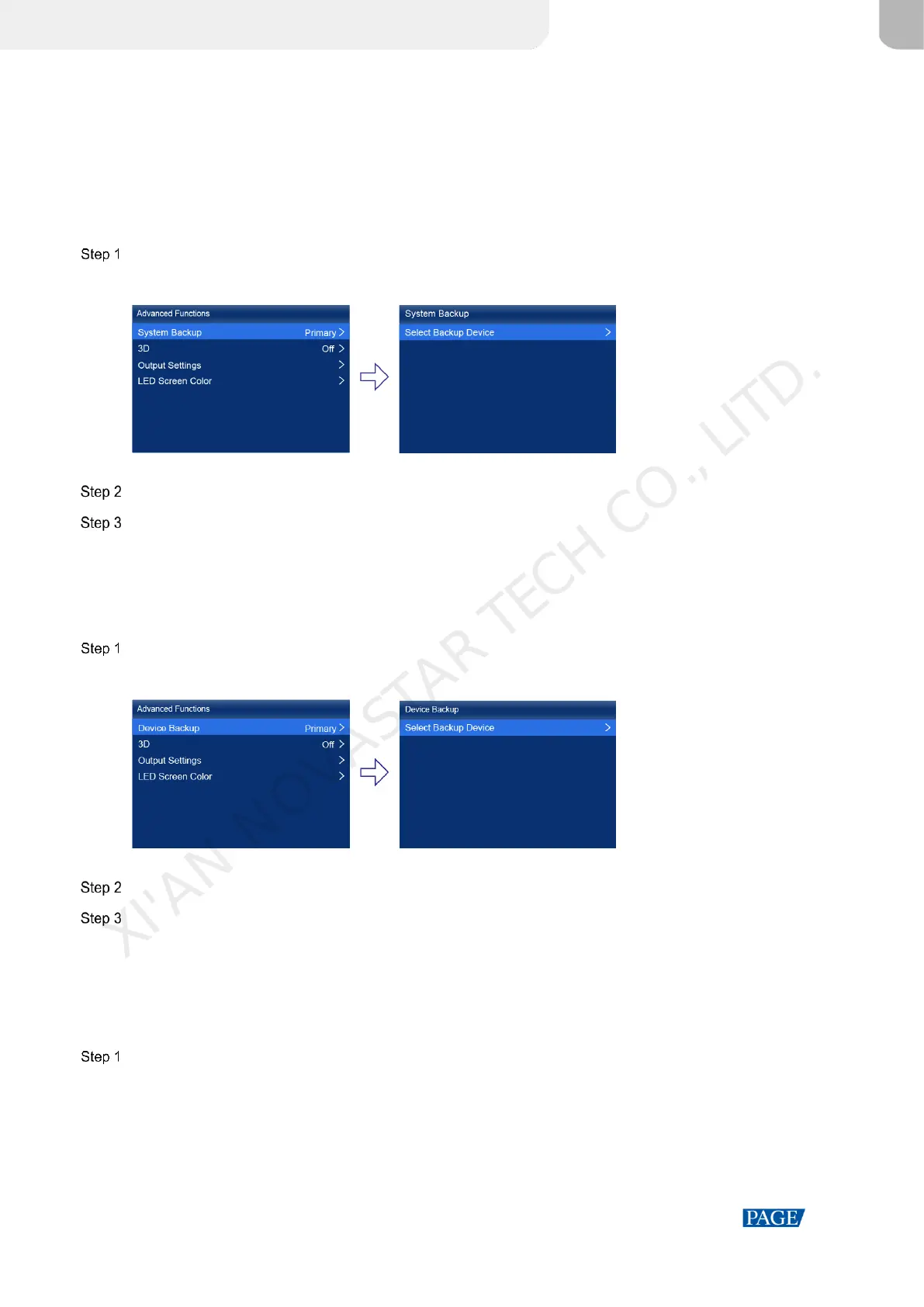
On the main menu screen, choose Advanced Functions > System Backup > Select Backup Device.
Figure 7-2 Device backup
Select a device from the devices found.
Select Yes in the displayed dialog box.
A prompt will be displayed after the operation is successful.
7.3 Set an IP Address
Manually set a static IP address for the device or set up the device to automatically obtain an IP address.
On the main menu screen, choose Communication Settings > Network Settings.
XI'AN NOVASTAR TECH CO., LITD.



 To Next Page