MX40 Pro LED Display Controller User Manual
The output display status
: The display is frozen.
: The display is blacked out
For related operations, please refer to 7.5 Control Display
Status.
The temperature inside the chassis
4.2 Main Menu
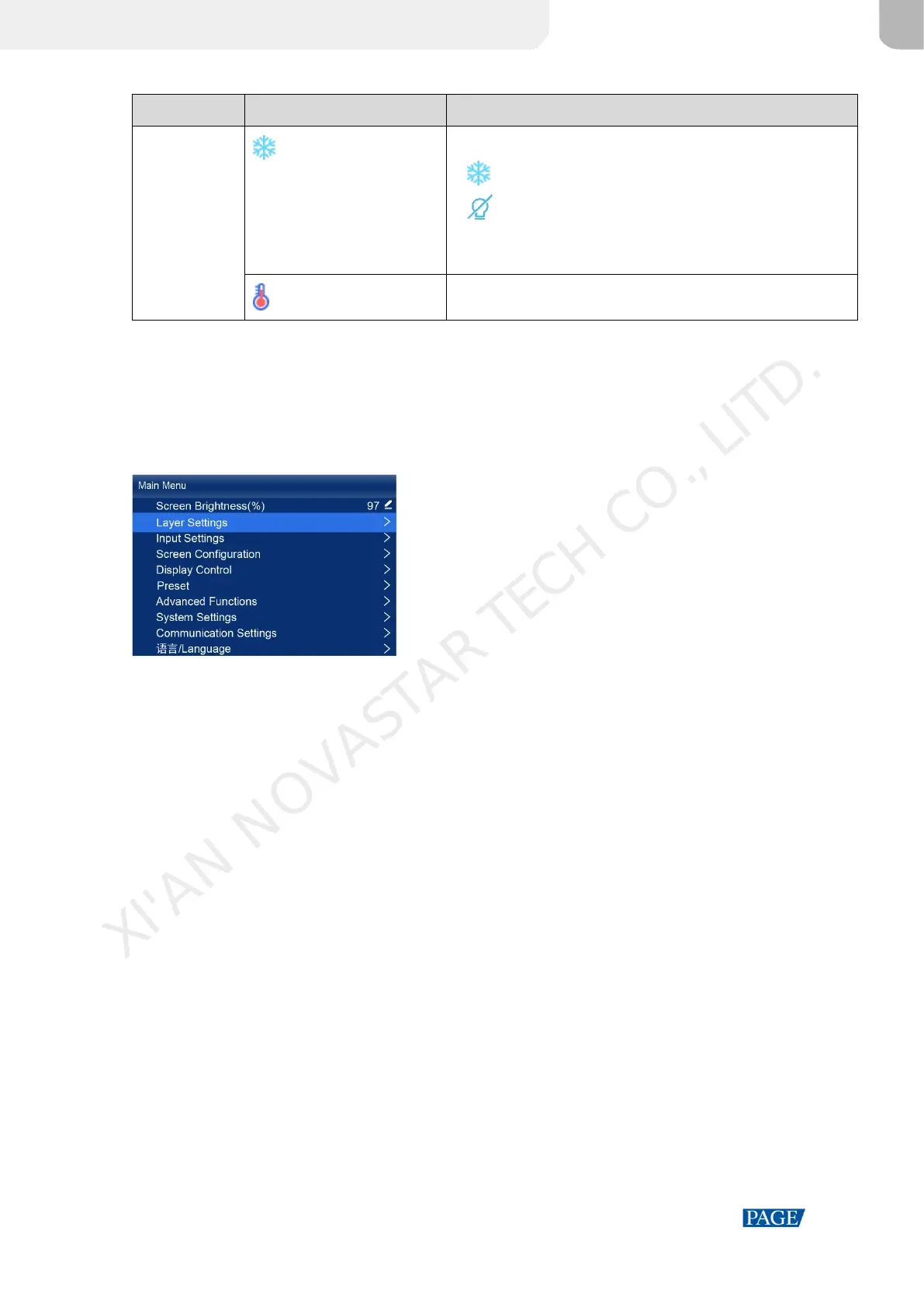
On the home screen, press the knob to enter the main menu screen. When the device working mode is All-In-One
Controller, the main menu is shown in Figure 4-2. When the device working mode is Send-Only Controller, the Layer
Settings menu is not displayed.
Figure 4-2 Main menu
XI'AN NOVASTAR TECH CO., LITD.



 To Next Page