MX40 Pro LED Display Controller User Manual
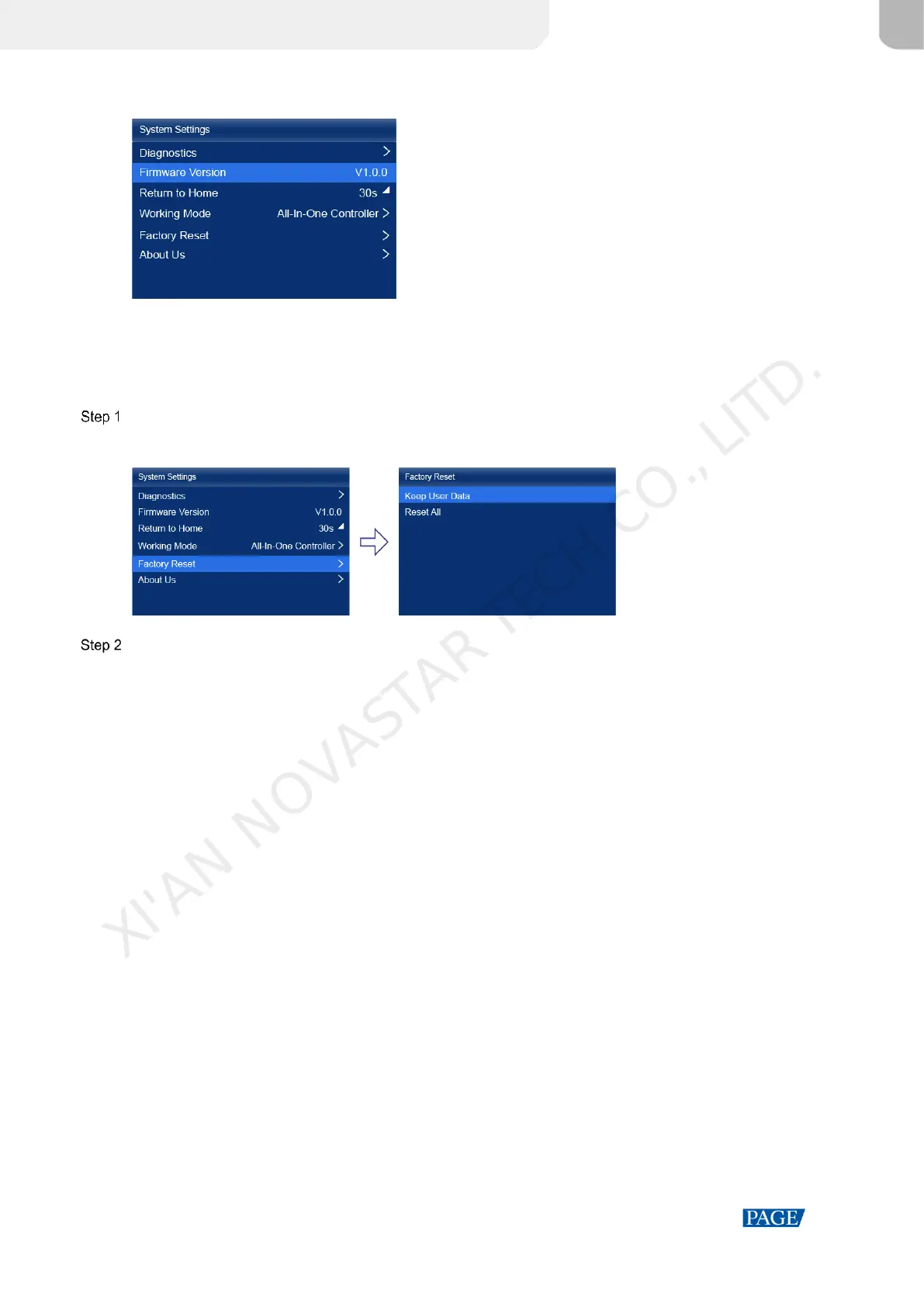
Figure 7-8 Firmware version
7.8 Reset to Factory Settings
Reset part or all of the device data to the factory settings.
On the main menu screen, choose System Settings > Factory Reset.
Figure 7-9 Factory reset
Do any of the following according to the data you want to reset.
Reset part of the data
Reset all the data except the imported files, network parameters, language settings, and device name.
a. Select Keep User Data.
b. Select Yes in the displayed dialog box.
The device restarts automatically while the data is being reset.
Reset all the data (This action cannot be undone.)
Reset all the data to factory settings.
a. Select Reset All.
b. Select Yes in the displayed dialog box.
The device restarts automatically while the data is being reset.
XI'AN NOVASTAR TECH CO., LITD.



 To Next Page